Running a small business without a proper customer relationship management system is like trying to fill a bucket with a hole in it. You generate leads, follow up manually, lose track of conversations, and watch potential revenue slip away every single week. CRM software for small businesses exists to fix exactly that problem.
This guide breaks down everything you need to know about choosing, using, and getting the most out of a CRM platform built for small business needs, and why thousands of growing businesses are choosing SmartX CRM as their go-to solution in 2026.
What Is CRM Software and Why Do Small Businesses Need It
CRM stands for Customer Relationship Management. At its core, CRM software is a centralized system that stores all your customer and lead data, tracks every interaction, and gives your team a clear picture of where each relationship stands.
For small businesses, the stakes are even higher. You do not have the luxury of a large sales team, an enterprise budget, or a dedicated operations department to patch up the gaps. Every missed follow-up, every forgotten callback, and every lead left in a spreadsheet represents lost revenue.
Small business CRM software replaces scattered spreadsheets, sticky notes, and mental reminders with one organized, automated, and accessible platform. It lets you capture leads, assign them to team members, set reminders, send messages, track stages, and generate reports, all from a single dashboard.
If you are still managing customer data in Excel, read our detailed breakdown on why upgrading from spreadsheets to a proper CRM matters and what you stand to gain.
The Real Cost of Not Using a CRM for Your Small Business
Before diving into features and recommendations, it is worth understanding what poor customer management actually costs a small business.
According to common patterns across small and medium businesses, the hidden losses from not using a CRM system include delayed responses to inbound leads, forgotten follow-up sequences, duplicated outreach by different team members, no visibility into pipeline health, and customer data stored in disconnected tools.
Each of these problems individually slows your revenue. Together, they create a compounding inefficiency that stunts growth. Our article on top challenges small businesses face without a CRM goes deeper into the specific pain points and what businesses can do to resolve them.
Core Features to Look for in Small Business CRM Software
Not all CRM platforms are built the same. When evaluating CRM software for your small business, these are the features that matter most.
Lead Capture and Management
Your CRM should be able to pull in leads from multiple sources: website forms, WhatsApp inquiries, Facebook ads, email sign-ups, and manual entries. Once captured, leads need to be organized by status, source, assigned team member, and follow-up date.
SmartX CRM offers integrated lead management that connects all your lead sources and organizes them into a clear pipeline.
Automated Follow-Ups and Reminders
One of the most powerful capabilities a CRM gives small businesses is the ability to automate repetitive follow-up tasks. Instead of manually checking who to call next, the system surfaces tasks automatically and even sends scheduled messages on your behalf.
SmartX CRM includes a full automation suite specifically built for small business workflows. Learn how businesses are using it in our guide on automating follow-ups with Mizo CRM.
WhatsApp and Email Integration
In 2026, customers expect communication through the channels they use daily. Your CRM needs to support WhatsApp messaging, email outreach, and bulk communication from within the same platform.
SmartX CRM integrates directly with WhatsApp, email, and Facebook leads, giving you a unified communication layer. Our post on how SmartX CRM transforms Facebook lead generation explains the integration in practical terms.
Task Management and Team Collaboration
Small teams often wear multiple hats. Your CRM should support task assignments, internal notes, team-level visibility into lead status, and role-based permissions so that different team members see only what is relevant to their role.
You can learn more about setting up tasks and reminders inside SmartX CRM in our detailed walkthrough on how to set tasks, reminders, and automate your day.
Reports and Analytics
Growth requires data. Small business CRM software should give you a real-time view of your pipeline, conversion rates, team performance, and lead source effectiveness without requiring you to build custom spreadsheets.
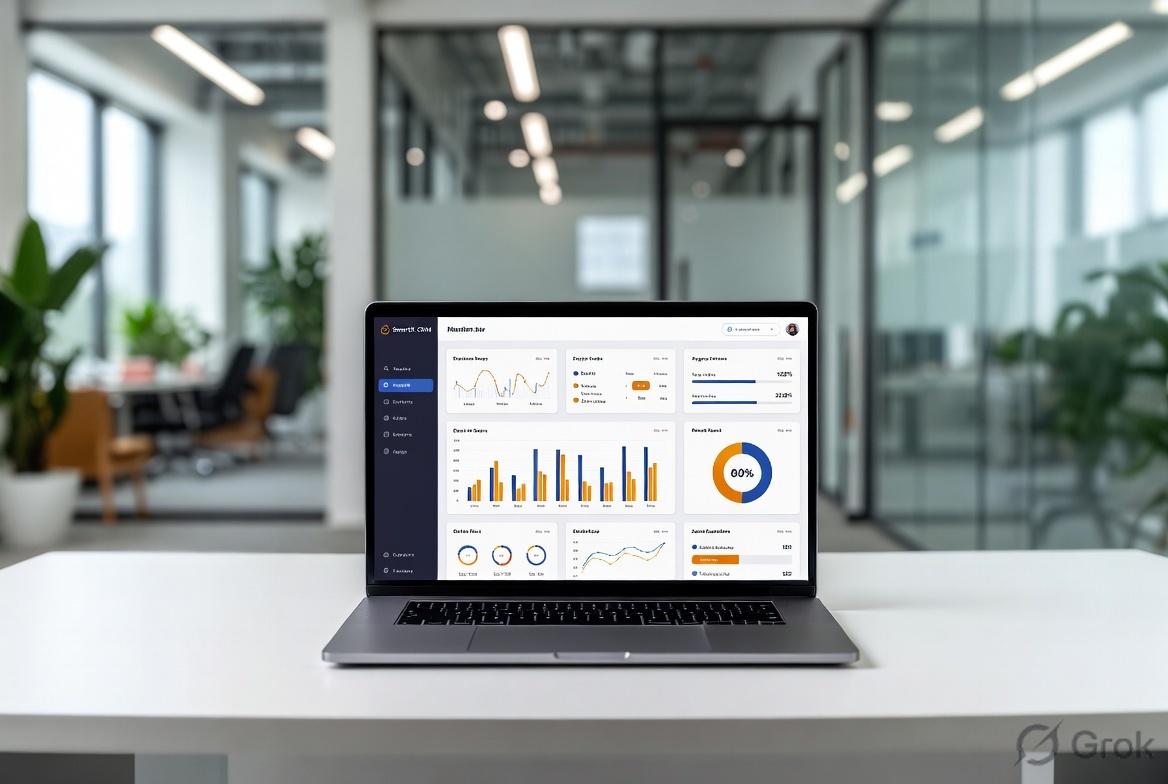
SmartX CRM offers built-in reporting dashboards that surface the metrics that drive decisions. Explore what those reports look like in our reports overview.
Mobile Accessibility
Small business owners are rarely at a desk all day. Your CRM needs to work on mobile so you can check lead status, respond to inquiries, and update records from anywhere.
How SmartX CRM Is Built for Small Business Growth
SmartX CRM is not a watered-down enterprise tool repackaged for smaller teams. It is purpose-built for the realities of small business sales and customer management.
Here is what makes SmartX CRM a strong fit for small businesses specifically.
Mizo CRM: The Small Business Core
Mizo CRM is SmartX CRM’s dedicated product for small and medium businesses. It combines lead management, WhatsApp integration, follow-up automation, team collaboration, and reporting in one affordable platform.
The eight most impactful ways Mizo CRM helps small businesses manage and convert leads faster are covered in our blog post: 8 powerful ways Mizo CRM helps you manage and convert leads faster.
WA Daddy: Bulk WhatsApp for Small Business Outreach
WhatsApp is the primary business communication channel across South Asia, the Middle East, Africa, and growing markets globally. SmartX CRM includes WA Daddy, a bulk WhatsApp messaging platform that helps small businesses run campaigns, send updates, and follow up at scale.
If your business relies on WhatsApp to communicate with customers, the SmartX WA Daddy product page outlines exactly how the platform works and what it enables.
For more context on WhatsApp automation for small business communication, read our complete guide on WhatsApp automation for business.
Zizu AI: Artificial Intelligence for Small Business Sales
SmartX CRM includes Zizu AI, an artificial intelligence layer designed to assist with lead scoring, follow-up recommendations, and intelligent call handling. For small businesses with limited staff, AI assistance can effectively extend the capacity of your team without adding headcount.
The AI SmartX page explains how AI is integrated into the SmartX CRM ecosystem.
SmartX CRM for Specific Small Business Types
SmartX CRM serves a wide range of small business verticals. Below are some of the most common use cases.
Small Business CRM for Service Providers
Service-based businesses, including consultants, agencies, trainers, and freelancers, need a CRM that tracks inquiry to contract to delivery without gaps. Our guide to the best CRM for service-based businesses in 2025 walks through the specific features service businesses should prioritize.
CRM for Education Consultancies
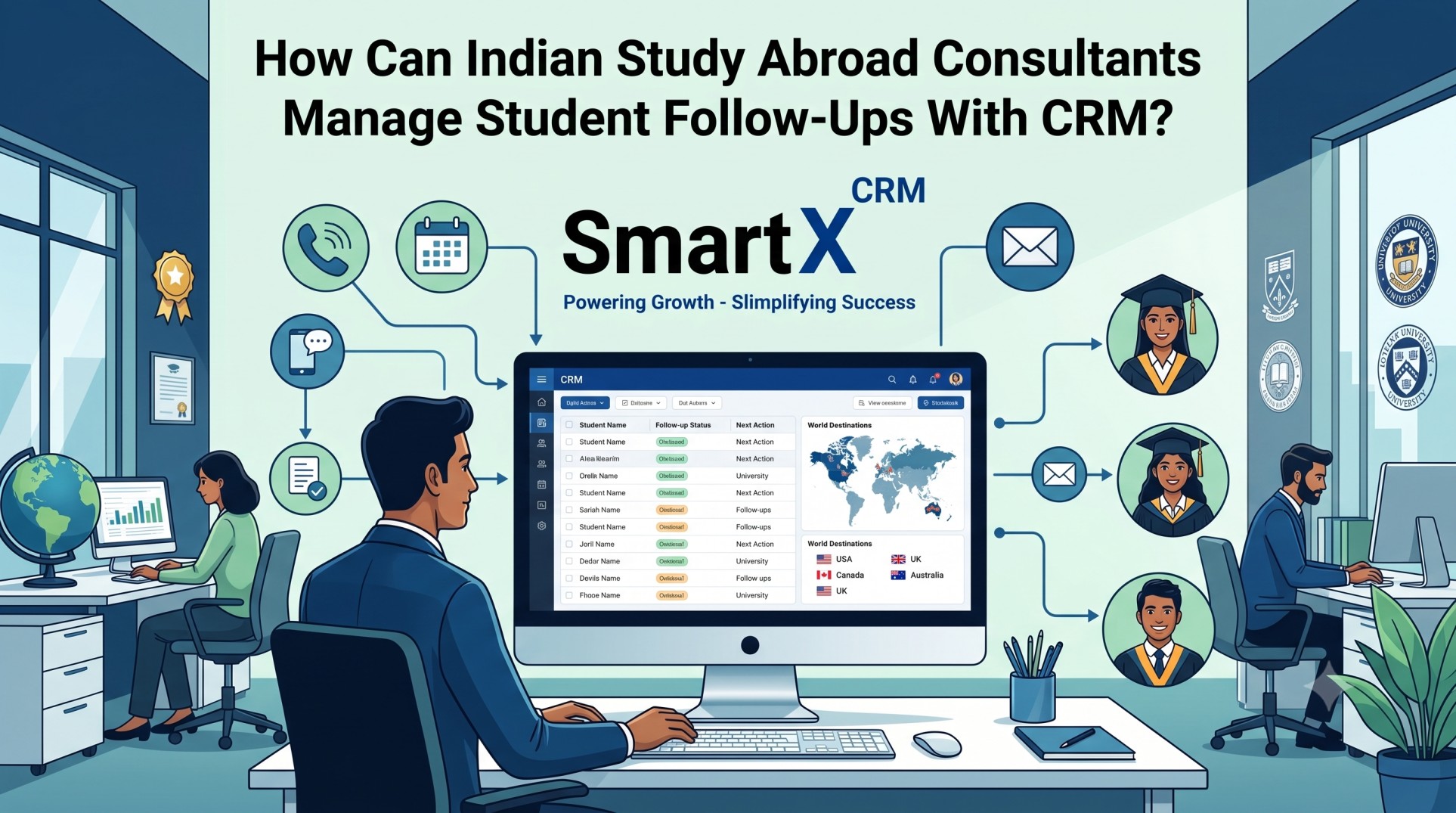
Education consultancies managing overseas student applications need specialized workflows for document collection, university applications, visa tracking, and follow-up sequences. SmartX CRM’s Educa CRM product is built specifically for this vertical.
Explore the full feature set at Educa CRM or read our guide on the best CRM for education consultancy to understand what sets it apart.
CRM for Healthcare and Wellness Businesses
Clinics, wellness coaches, nutritionists, and therapists have unique needs around patient communication, appointment tracking, and follow-up. SmartX CRM supports these workflows with its Dr Hub CRM product.
The complete overview of CRM software options for healthcare providers is available in our article on CRM software for healthcare.
CRM for Real Estate Small Businesses
Real estate agents and small brokerages need CRM tools that capture property inquiries, automate viewing reminders, and track buyer or tenant pipelines. Read about the best real estate CRM for lead generation and growth and how SmartX CRM fits into that landscape.
CRM for Manufacturing Small Businesses
Small manufacturers with B2B sales teams need CRM tools that handle longer sales cycles, distributor relationships, and multi-touch pipelines. Our manufacturing CRM content addresses this directly: manufacturing CRM for small businesses.
SmartX CRM vs Alternatives: What Sets It Apart
There are many CRM options in the market. What consistently differentiates SmartX CRM for small businesses is the combination of affordability, local market support, WhatsApp-first communication, and vertical-specific products under one platform.
We have done a direct comparison with other tools if you want to evaluate SmartX CRM against specific competitors. See our SmartX CRM vs OnepageCRM comparison as one example.
If you are currently evaluating free or low-cost CRM tools and wondering whether paid options are worth it, our guide to 10 free or low-cost CRM tools for small businesses breaks down the trade-offs honestly.
Getting Started with SmartX CRM: A Practical First-Week Guide
The biggest barrier small businesses face with CRM adoption is the learning curve. SmartX CRM is built to reduce that friction significantly, but here is a practical framework for your first week.
Day 1: Account Setup and Team Onboarding
Start by creating your account and inviting your team members. Set role-based permissions so each person sees only what is relevant to their role. Import your existing contacts from a spreadsheet or previous tool.
Day 2: Configure Your Lead Pipeline
Set up your pipeline stages to reflect your actual sales process. Most small businesses work well with four to six stages such as New Inquiry, Contacted, Proposal Sent, Negotiation, Won, and Lost.
Day 3: Connect Your Lead Sources
Integrate WhatsApp, your website contact forms, Facebook lead ads, and email inboxes. SmartX CRM’s integration overview explains which tools connect natively.
Day 4: Set Up Automations and Reminders
Build your first follow-up automation. This might be as simple as an automatic WhatsApp message sent one day after a lead is captured, or a reminder task created whenever a lead sits in the same stage for more than three days.
Day 5 to 7: Review Reports and Adjust
Check your pipeline report, review lead source data, and identify where leads are stalling. Use that information to refine your process in week two.
Lead Generation and CRM: Two Sides of the Same Coin
A CRM without leads is an empty system. Leads without a CRM are a missed opportunity. The two functions work best when they are tightly integrated.
SmartX CRM supports lead generation through landing pages, WhatsApp campaigns, and referral tracking. Our guide on free lead generation tools for small and medium businesses provides actionable starting points for businesses at every stage.
For a broader view of lead generation strategy across industries, our article on the ultimate guide to the best lead generation tools and software is a comprehensive reference.
Understanding CRM Pricing for Small Businesses
Pricing is often the deciding factor for small businesses evaluating CRM software. SmartX CRM offers flexible plans designed to grow with your business, from early-stage teams to established operations with multiple users.
The detailed breakdown is available on the SmartX CRM pricing page, including what each plan includes and how to choose based on your team size and feature needs.
Common Questions Small Businesses Ask About CRM Software
Can multiple team members use the same CRM account?
Yes. SmartX CRM supports multi-user access with role-based permissions. Full detail is covered in the FAQ: can multiple team members use the same CRM account.
Is my data secure with SmartX CRM?
Data security is a core priority. Read the dedicated security FAQ for specifics: is my data secure with Mizo CRM.
Can I import my existing contacts and leads?
Yes, SmartX CRM supports importing contacts and leads from spreadsheets and other tools. See can I import existing contacts or leads into Mizo CRM.
Does SmartX CRM support reminders and follow-ups?
Automated reminders and follow-up sequences are a core feature. The FAQ covers this in detail: does Mizo CRM support reminders and follow-ups.
Can I access SmartX CRM on mobile?
Yes. The platform is mobile-responsive and accessible from any device. More detail: is Mizo CRM mobile friendly.
Is there a free plan?
Details on free access and trial options are covered here: is there a free plan available.
Why SmartX CRM Is the Right Investment for Small Business Growth in 2026
The small business CRM market is crowded with options, but most tools fall into one of two traps: either they are too simple to scale with your business, or they are too complex and expensive to justify at an early stage.
SmartX CRM occupies the middle ground deliberately. It is capable enough to handle multi-user teams, multi-channel communication, automation workflows, and detailed reporting, while remaining affordable and accessible for businesses that are still in growth mode.
The platform’s depth across verticals, including education consultancy, healthcare, real estate, manufacturing, and general small business, means you get a CRM that understands your specific operational context rather than a generic tool you have to force-fit into your process.
If you are ready to see SmartX CRM in action, the fastest way to evaluate it is through a hands-on demonstration. You can start a free demo and explore the platform with your own data.
Final Thoughts
CRM software for small businesses is not a luxury reserved for large companies with enterprise budgets. It is a foundational tool that gives small teams the ability to compete effectively, serve customers consistently, and grow without losing control of their pipeline.
SmartX CRM brings together lead management, WhatsApp automation, AI assistance, team collaboration, and vertical-specific features in one platform designed for businesses at exactly your stage of growth.
The longer you delay implementing a proper CRM, the more leads slip through the cracks, the more time your team wastes on manual tasks, and the harder it becomes to understand what is actually driving your revenue.
Start with a clear system. Build consistent habits. Let SmartX CRM do the heavy lifting.
To explore more about how CRM tools are reshaping how modern businesses operate, read our post on how CRM tools drive digital transformation and what that means for your business specifically.
SmartX CRM is a comprehensive customer relationship management platform serving small businesses, education consultancies, healthcare providers, and B2B sales teams. To learn more about SmartX CRM and its product suite, visit smartxcrm.com


Leave a comment: