Category: Uncategorized

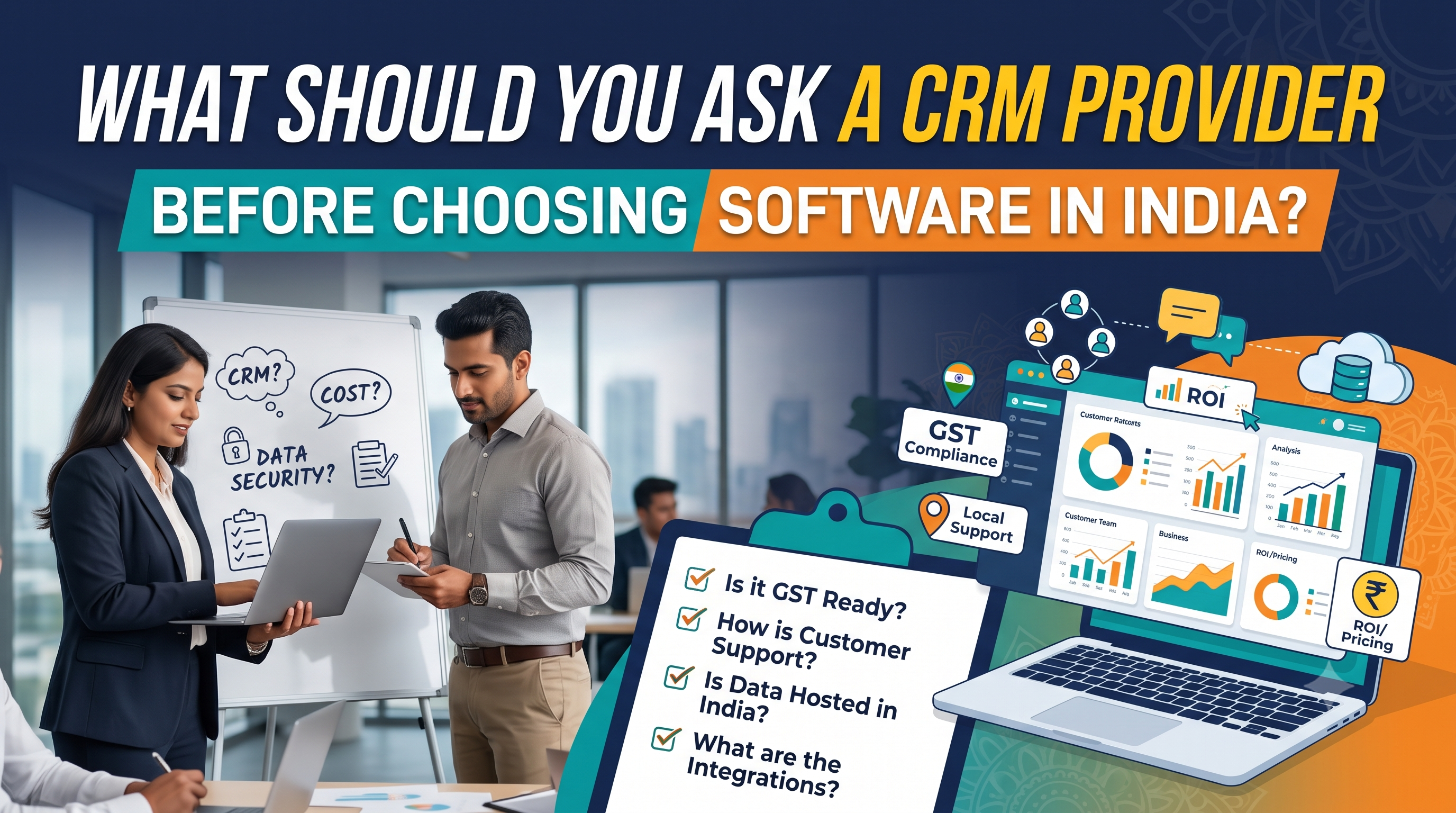
What Should You Ask a CRM Provider Before Choosing Software in India?

What Should You Ask a CRM Provider Before Choosing Software in India?

Quick answer: Before choosing CRM software in India, ask the provider seven groups of questions: industry fit, total cost in rupees, data security and DPDP Act compliance, WhatsApp and integrations, implementation and data migration, support and training, and contract and exit terms. Insist on a live

Read More
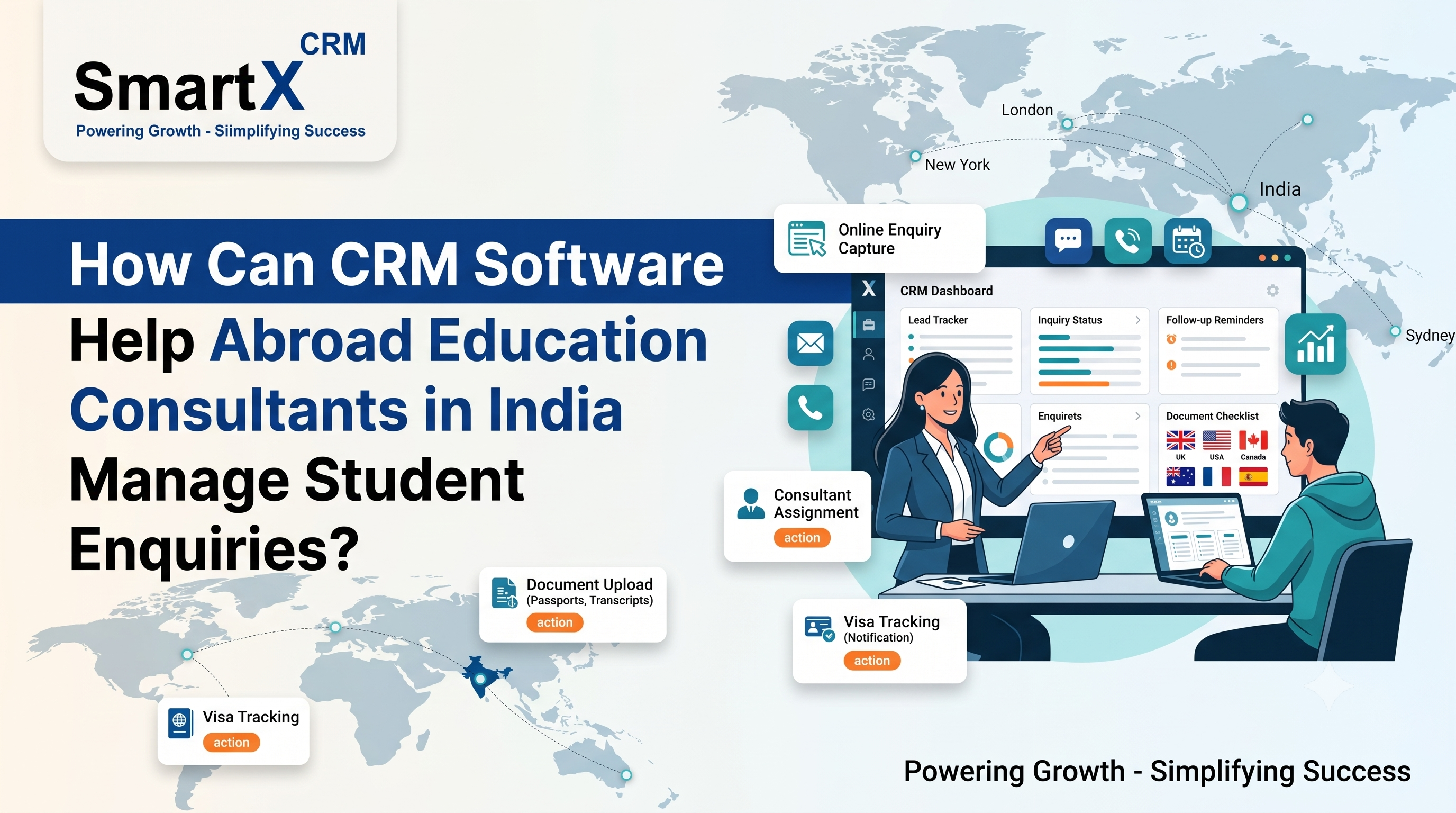
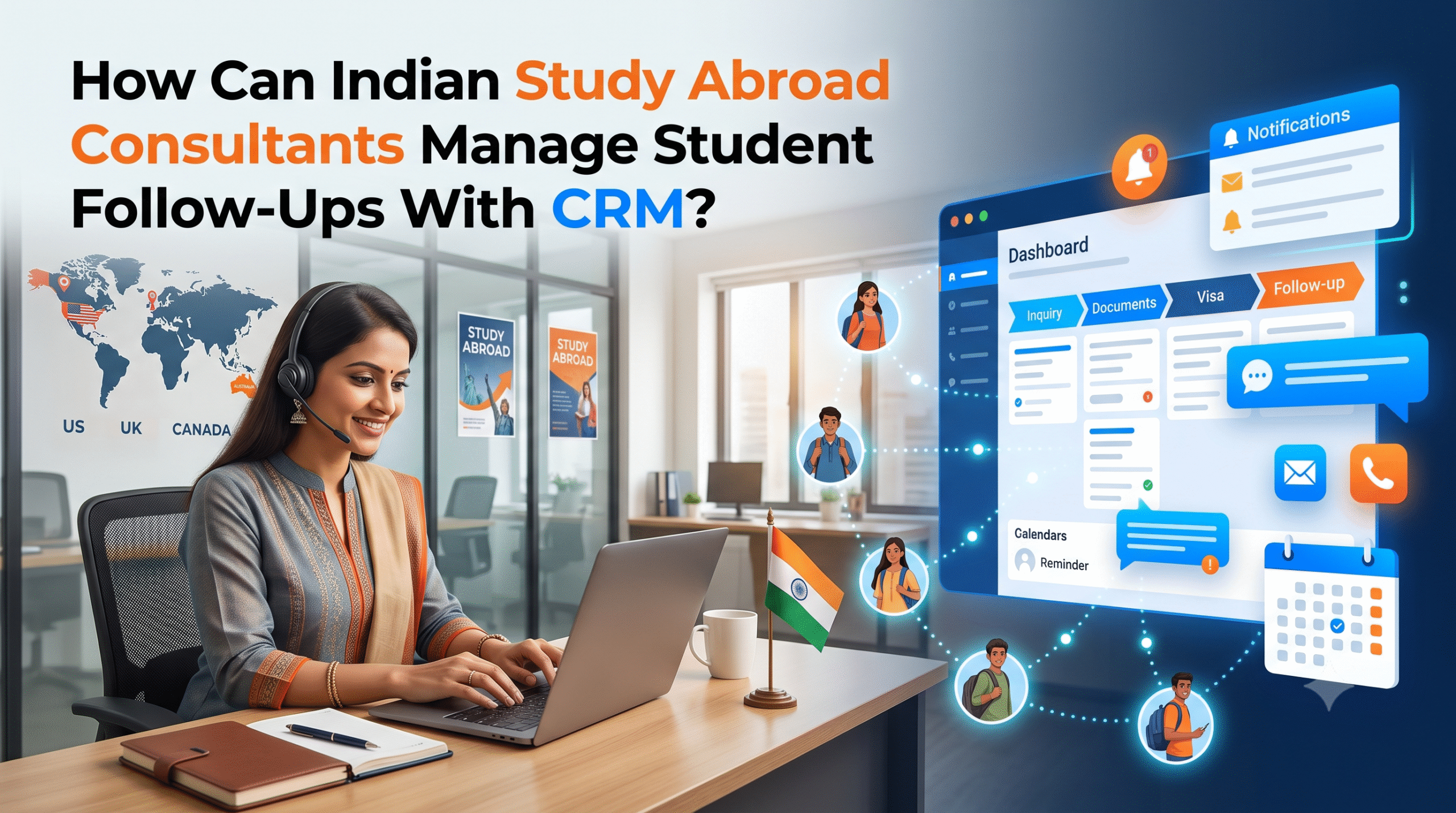
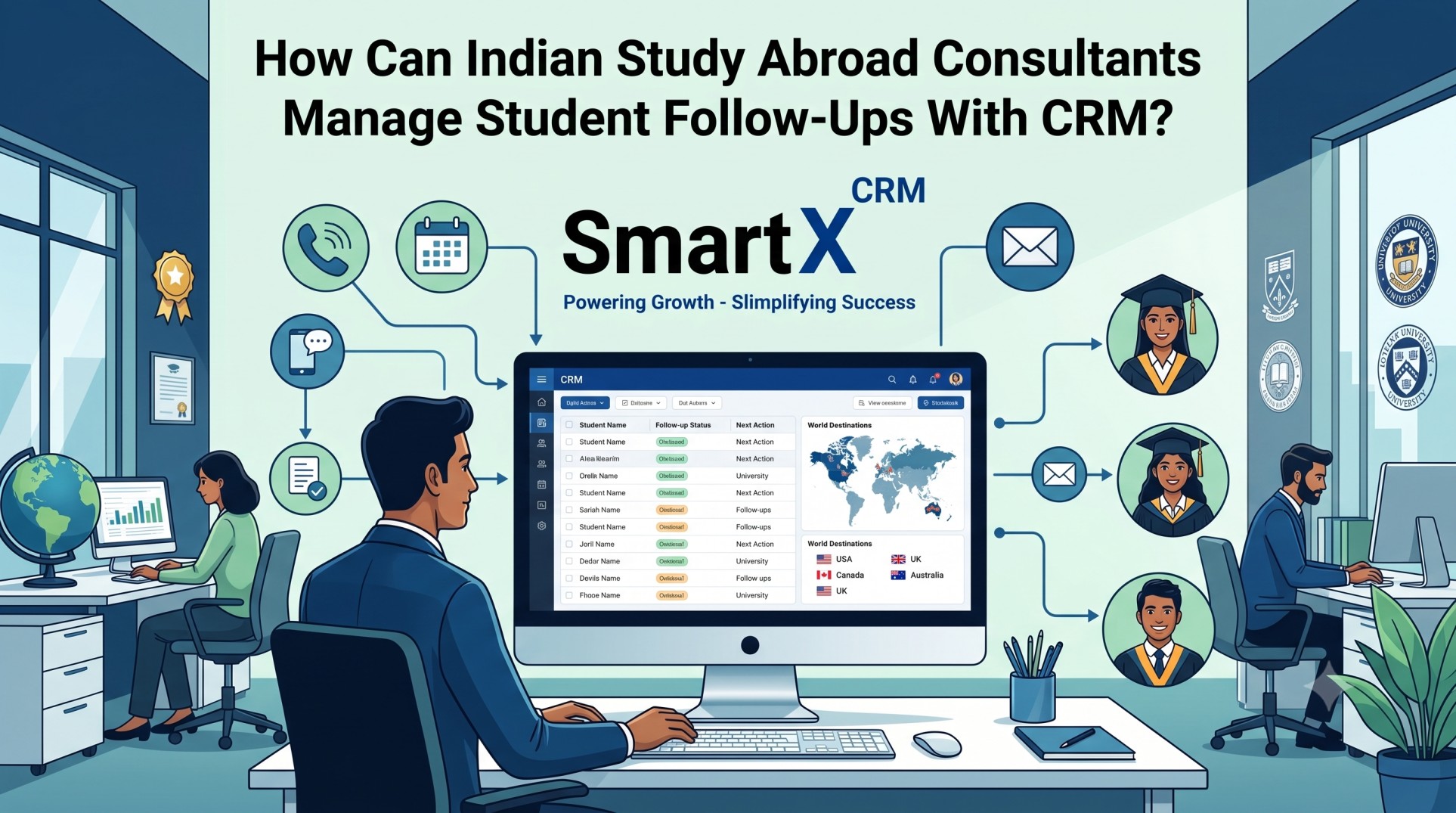
How Can CRM Software Help Abroad Education Consultants in India Manage Student Enquiries? Every abroad education consultancy in India starts the day the same way. Overnight, new student enquiries have arrived through the website, Facebook lead ads, Google Ads, WhatsApp messages and missed calls. Some are serious applicants with a clear intake and budget. Others are early researchers comparing five consultancies at once. The counsellor who replies first, with the right information, usually wins the student. That is why CRM software for abroad education consultants in India has moved from a nice-to-have to a core business tool. A well-set-up study abroad CRM gives you one place to capture every enquiry, assign it to the right counsellor, follow up on time and track the student all the way to enrolment and visa. In this guide, you will learn how a CRM manages student enquiries step by step, what to compare before you buy, which mistakes to avoid, and how to roll it out across your team without disrupting daily counselling. Why Student Enquiries Get Lost in Abroad Education Consultancies Most consultancies do not lose students because their counselling is weak. They lose them because their enquiry handling is scattered. Here are the patterns that show up again and again in study abroad offices: Enquiries live in too many places. A lead can sit in a personal WhatsApp chat, an email thread, an Excel sheet or a paper register at the front desk. Nobody has the full picture. Response time depends on who is free. A student who enquires at 9 PM or on a Sunday may wait a full day for a reply, by which time they have already spoken to a competitor. The same student enquires more than once. Without duplicate detection, two counsellors may call the same student with different advice. Lead source is unknown. If you cannot tell whether a student came from Facebook, an education fair or a referral, you cannot decide where to spend your marketing budget. Follow-ups rely on memory. Students often take weeks to decide. When a counsellor forgets to call back, or leaves the company, the lead goes cold. Nobody can see the pipeline. Managers cannot say how many students are at the counselling stage, the document stage or the offer stage without asking each person. If you recognise two or more of these, your problem is not effort. It is structure, and that is exactly what a CRM provides. For a deeper look at the cost of this chaos, read how missed student deadlines and follow-ups hurt overseas consultancies. What Is CRM Software for Abroad Education Consultants? CRM stands for customer relationship management. In an abroad education consultancy, the "customer" is the student (and often the parents), and the relationship runs from the first enquiry to visa approval and sometimes beyond. A CRM built for this industry stores each student's profile, course and country interest, intake, budget, test scores, documents, conversations and application status in one record. It also automates routine work such as assigning leads, sending acknowledgements and creating follow-up tasks. This is different from a generic sales CRM. Tools built for product sales rarely include multi-university application tracking, visa stages or sub-agent portals out of the box, so consultancies end up paying for heavy customisation. If you want the fundamentals first, this explainer on what CRM means in overseas consultancy covers the basics in plain language. How CRM Software Helps Manage Student Enquiries, Step by Step Here is the enquiry journey inside a CRM, from the first click to a converted student. 1. Capture Student Enquiries From Every Source Automatically The first job of student enquiry management is to make sure no enquiry escapes. A study abroad CRM captures leads from: Website contact forms and course landing pages Facebook and Instagram lead ads Google Ads forms and calls WhatsApp messages Walk-ins, education fairs and events Referrals and partner agents Each enquiry becomes a lead record the moment it arrives, with the source, campaign and time stamped automatically. Nobody needs to copy details from a spreadsheet, and nothing waits for someone to log in on Monday morning. SmartX CRM connects with popular channels through its integrations, so lead capture works without manual exports. 2. Remove Duplicates and Build One Student Profile Students often enquire through more than one channel. They fill a form, then message on WhatsApp, then call the office. Duplicate detection recognises that these belong to one person and merges them into a single profile. This matters more than it sounds. One profile means one conversation history, one assigned counsellor and one consistent message to the student and parents. 3. Assign Each Enquiry to the Right Counsellor Fast assignment is where a CRM starts saving real time. Instead of a manager reading the enquiry list and allocating leads by hand, rules do it for you. Common assignment rules for abroad education consultants include: Destination expertise: UK enquiries go to the UK specialist, Canada to the Canada team Intake and course type: undergraduate, postgraduate, diploma or language test coaching Workload: the counsellor with the fewest open leads gets the next one Language or city: Gujarati, Hindi, Punjabi or Malayalam speakers matched to students, or branch-wise routing Round robin: equal distribution for fairness across a new team The assigned counsellor gets an instant alert, so the student is contacted while their interest is still high. You can see how this fits into a wider system in this overview of lead management for education consultants. 4. Reply Fast With WhatsApp and Email Automation In India, WhatsApp is where most students and parents prefer to talk. A CRM that connects with WhatsApp lets counsellors send and receive messages from the lead profile, so the conversation history stays attached to the student instead of sitting on one person's phone. Useful automations include: An instant acknowledgement message with your consultancy name and next steps A document checklist sent right after the first call Reminders for counselling appointments and webinars Status updates when an application moves to the next stage SmartX CRM offers WhatsApp automation for education consultants through WA Daddy, which supports campaigns and messaging directly from the CRM. As always, follow WhatsApp's business messaging policies and only message students who have opted in. 5. Score and Qualify Leads So Counsellors Focus on Serious Students Not every enquiry deserves the same effort on day one. Lead scoring ranks students using signals such as: Preferred country and intake timing Academic profile and English test status Budget readiness or sponsor details Engagement, such as replying to messages or attending a webinar Counsellors then start with the students most likely to apply, while others receive nurturing messages until they are ready. Automated qualification questions (course, country, intake, budget) also save the first ten minutes of every call. 6. Automate Follow-Ups and Task Reminders Follow-up is where most consultancies leak revenue. A CRM turns follow-up from a memory task into a system task: Every lead gets a next action and a due date Counsellors see a daily task list sorted by priority Overdue follow-ups are flagged to the team lead Silent leads receive automated nurture messages after a set number of days If a counsellor leaves, all their leads stay in the system and can be reassigned in minutes This is the single biggest reason teams see fewer lost leads after adopting a CRM. The habit of "I will call them next week" becomes a scheduled, visible task. 7. Move the Enquiry Into Applications, Documents and Visa Tracking A converted enquiry is only the start. The same student record should carry on into the operational stages so nothing is re-entered: Application management to track each student across multiple universities, courses and countries Document management to collect passports, transcripts, SOPs and financial documents against a checklist Visa tracking to monitor file preparation, submission and decision dates with reminders A university and course finder so counsellors can shortlist options during the first counselling session When the enquiry, application and visa file share one record, counsellors stop chasing information across chats and folders. 8. Give Sub-Agents and Branches Controlled Access Many Indian consultancies work with sub-agents, franchise partners or multiple branches. Emailing student details back and forth creates delays and data risk. A CRM with B2B sub-agent management lets partners submit students and track progress in their own portal, while the head office keeps full control of the main database. Role-based permissions decide who can view, edit or export what. 9. Track Reports and Counsellor Performance What you can measure, you can improve. Dashboards and CRM reports should answer questions such as: Which lead source brings the most enrolled students, not just the most enquiries? How long does the first response take on average? How many leads does each counsellor convert from counselling to application? At which stage do students drop off? Which countries and intakes are growing? With these answers, you can cut wasteful ad spend, coach slower counsellors and plan staffing before peak intake seasons. Manual Enquiry Handling vs CRM: A Quick Comparison Area Excel, WhatsApp and Notebooks CRM for Abroad Education Consultants Enquiry capture Copied by hand, often delayed Automatic from forms, ads and WhatsApp Duplicates Common, causes confusion Detected and merged Lead assignment Manager allocates manually Rule-based, instant alerts Follow-ups Depend on memory Scheduled tasks and reminders Conversation history Spread across personal phones Stored on the student profile Visibility for managers Ask each counsellor Live pipeline dashboard Lead source ROI Guesswork Tracked per campaign and channel Staff exit risk Leads leave with the employee Data stays with the company Sub-agent coordination Emails and forwards Dedicated partner portal Key Features to Look for in an Education Consultancy CRM in India Before you shortlist a tool, check that it covers these essentials: Multi-source lead capture with source and campaign tracking Duplicate detection and unified student profiles Smart assignment by country, intake, workload or branch WhatsApp, email and call integration from the lead profile Customisable pipelines for study abroad, immigration and test prep Application, document and visa modules in the same system Sub-agent and branch permissions Reports on source, counsellor and stage conversion Mobile access so counsellors can update leads after fairs and school visits Data security with role-based access and audit trails For a fuller checklist, see the CRM features that matter most for education consultants in India and this guide on how to choose the right CRM for an abroad education consultancy in India. If you are comparing vendors side by side, the study abroad CRM comparison guide explains what to look at beyond the feature list. Common Mistakes When Using a CRM for Student Enquiries A CRM only works if the team uses it. Avoid these pitfalls: Importing messy data. Clean old spreadsheets first: merge duplicates, standardise country names and remove dead numbers. Building too many fields and stages. Start with a simple pipeline (New, Contacted, Counselled, Applied, Offer, Visa, Enrolled) and refine later. Leaving WhatsApp outside the CRM. If conversations stay on personal phones, you lose the history you bought the CRM to keep. Skipping training. Give counsellors a one-page rule: every call and update is logged in the CRM the same day. Not reviewing reports. Hold a weekly ten-minute review of overdue follow-ups and source performance. Budgeting matters too. This breakdown of what CRM implementation actually costs for a counselling team helps you plan for setup, training and monthly fees. Protecting Student Data When You Manage Enquiries in a CRM Student enquiries include passports, marksheets, phone numbers, financial details and family information. This is sensitive personal data, and parents expect you to protect it. Look for role-based access, activity logs, secure cloud hosting and the ability to remove a departing employee's access instantly. India's Digital Personal Data Protection Act, 2023 also places responsibilities on organisations that process personal data, so consult your legal adviser about consent and retention practices for your consultancy. For practical guidance, read this education consultancy CRM data security guide. How SmartX CRM Helps Abroad Education Consultants Manage Enquiries SmartX CRM is built for overseas education and immigration consultancies. The Educa CRM module brings the enquiry-to-enrolment workflow together: Lead capture from website, ads, WhatsApp and offline sources Counsellor assignment and follow-up automation Application, document and visa tracking on one student record Sub-agent portals and branch-level permissions WhatsApp campaigns and messaging through WA Daddy AI-assisted workflows to reduce repetitive calling and data entry If you are moving from another platform, you may also want to read why some consultancies look for a Meritto alternative for education consultancy or how SmartX compares in SmartX CRM vs Kondesk. You can review SmartX CRM pricing at any time, and if you want to see the enquiry workflow with your own use case, you can book a free SmartX CRM demo. A Simple 30-Day Plan to Start Managing Enquiries in a CRM You do not need to switch everything at once. This phased approach works well for small and mid-size consultancies: Week 1: Set up and import. Clean your existing leads, create users and roles, and define your pipeline stages. Week 2: Connect capture channels. Link website forms, ad lead forms and WhatsApp so new enquiries flow in automatically. Week 3: Turn on assignment and follow-ups. Add assignment rules, task reminders and your first automated acknowledgement message. Week 4: Add applications and reports. Start tracking applications and documents, then review your first weekly dashboard with the team. Once the enquiry stage is stable, add visa tracking and sub-agent access. If you want a checklist of what to look for in the Indian market, this guide on what an Indian abroad education consultancy should look for in CRM software is a useful companion. Frequently Asked Questions How can CRM software help abroad education consultants in India manage student enquiries? A CRM captures every enquiry from websites, ads, WhatsApp and walk-ins into one system, removes duplicates, assigns each student to the right counsellor, automates follow-up reminders and tracks the student from first enquiry through application, documents and visa. Can a CRM capture student enquiries from Facebook, Google Ads and WhatsApp automatically? Yes. A study abroad CRM connects to website forms, Facebook lead ads, Google Ads, WhatsApp and offline sources so each enquiry creates a lead record automatically, with the lead source saved for reporting. How does a CRM reduce missed follow-ups in a study abroad consultancy? The CRM creates follow-up tasks and reminders for every lead, alerts the assigned counsellor about pending calls or documents, and gives managers a view of overdue tasks so no enquiry depends on someone's memory. Is a generic CRM enough for an abroad education consultancy? Generic CRMs can store contacts, but they usually need heavy customisation for multi-university applications, document checklists, visa stages and sub-agent access. A CRM built for education consultants ships with these workflows ready to use. You can explore what makes CRM software suitable for abroad education consultants in India for more detail. Can sub-agents and branch offices use the same CRM without seeing all student data? Yes. With role-based permissions and a sub-agent portal, partners can submit students and track status while the head office keeps control of the main database and sees consolidated reports. How long does it take to set up a CRM for a study abroad consultancy? Setup time depends on how much data you import and how many pipelines you need. Many small teams start with lead capture, assignment and follow-ups first, then add applications, documents and visa tracking in later phases. Conclusion: Turn Every Student Enquiry Into a Tracked Opportunity Managing student enquiries with spreadsheets and chat threads works only until volume grows. After that, response times slip, follow-ups get missed and good students choose whoever replied first. CRM software for abroad education consultants in India fixes this by giving every enquiry an owner, a next step and a clear path from first message to visa. Start with capture, assignment and follow-ups, measure what happens, then add applications, documents and reports as your team gets comfortable. Ready to see it in action? Explore SmartX CRM for study abroad consultants or talk to the SmartX team about setting up your enquiry pipeline.

How Can CRM Software Help Abroad Education Consultants in India Manage Student Enquiries?

How Can CRM Software Help Abroad Education Consultants in India Manage Student Enquiries? Every abroad education consultancy in India starts the day the same way. Overnight, new student enquiries have arrived through the website, Facebook lead ads, Google Ads, WhatsApp messages and missed calls. Some are

Read More

What Makes CRM Software Suitable for Abroad Education Consultants in India?

What Makes CRM Software Suitable for Abroad Education Consultants in India? Every abroad education consultant in India knows the pressure of a busy admission season. Enquiries pour in from Instagram, Facebook, WhatsApp, walk-ins and referrals. Counselors juggle IELTS scores, university shortlists, SOP drafts, financial documents and

Read More

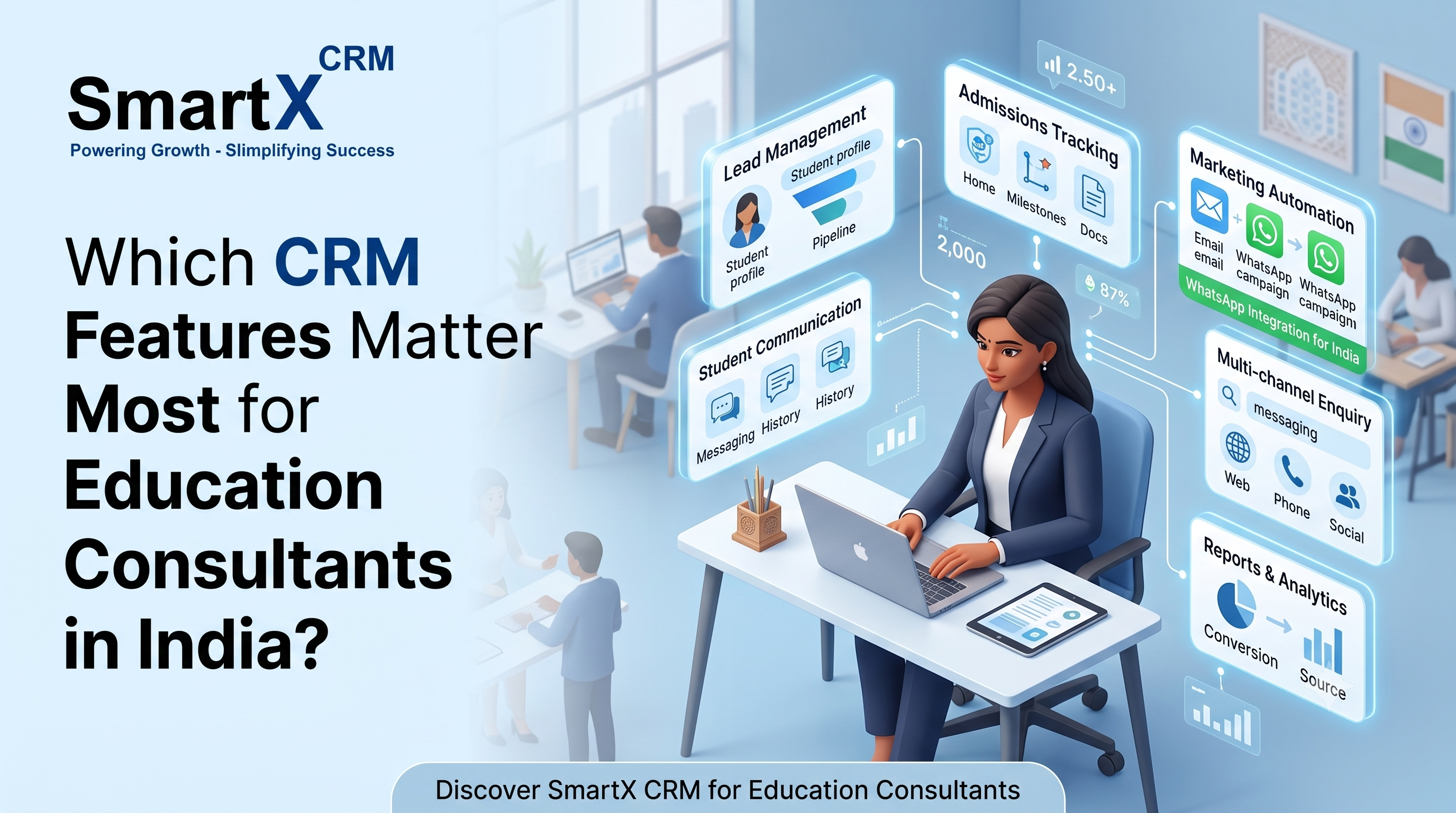
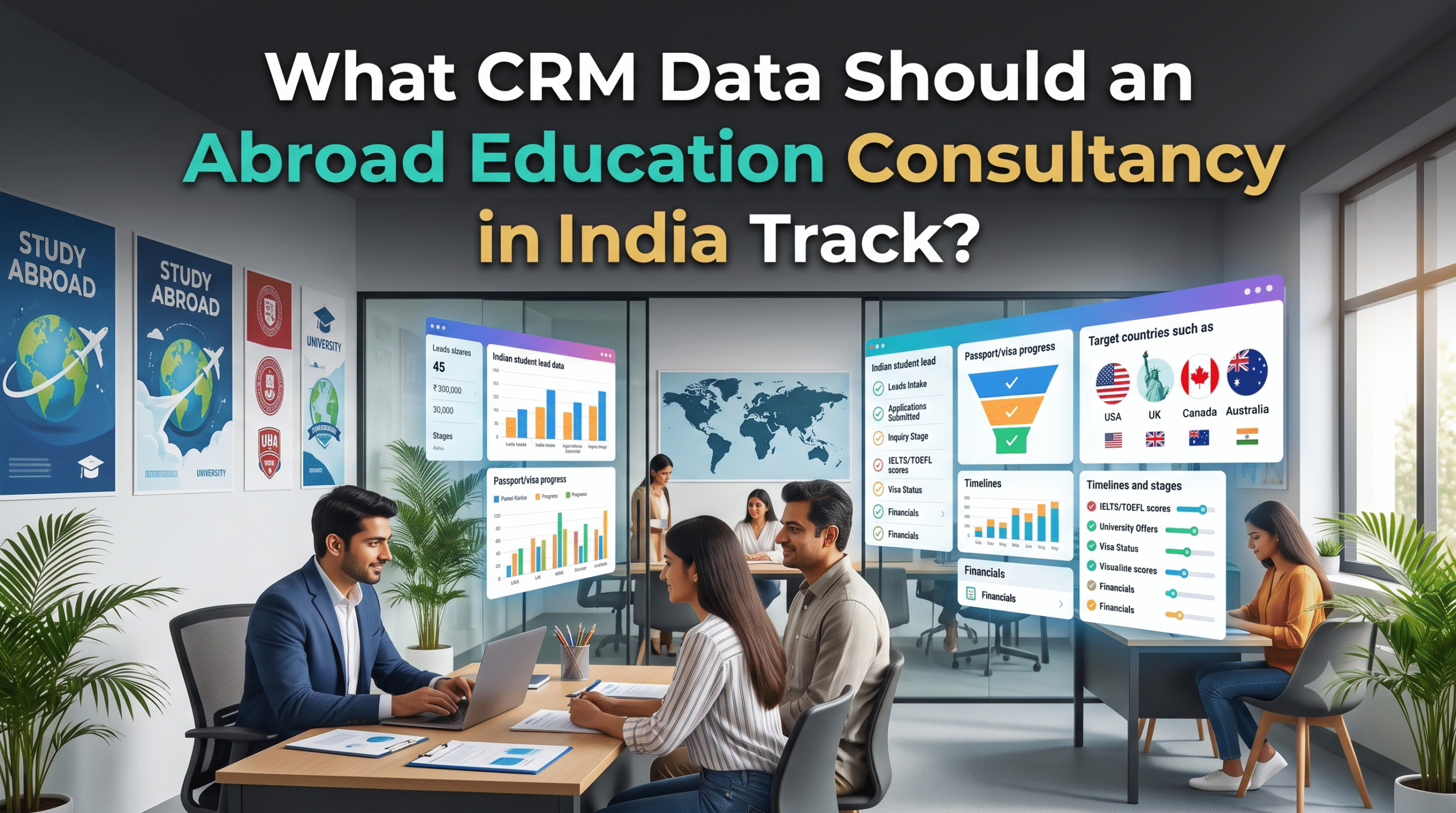
Which CRM Features Matter Most for Education Consultants in India?

Every overseas education consultancy in India runs on the same three things: inquiries, applications, and follow ups. The consultancies that scale past 200 or 300 students a year are rarely the ones with the biggest team. They are the ones running the right CRM, with the

Read More

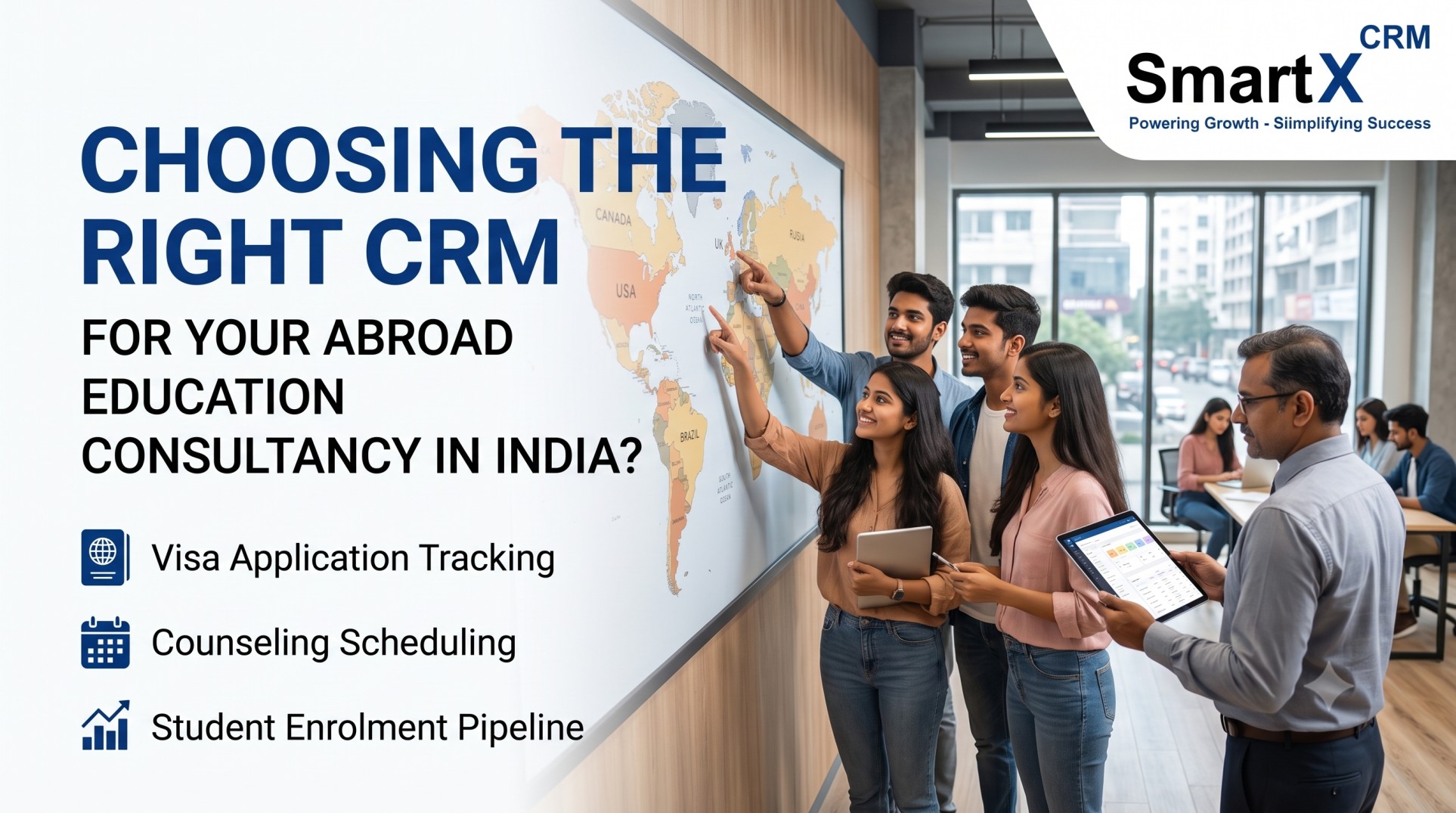
How Do You Choose the Right CRM for an Abroad Education Consultancy in India?

If you run an overseas education consultancy in India, you already know the daily chaos. Student inquiries pour in from Facebook ads, Instagram, WhatsApp, walk-ins, and referral partners, all at once. Counsellors juggle spreadsheets, WhatsApp chats, and email threads trying to track who applied where, whose

Read More
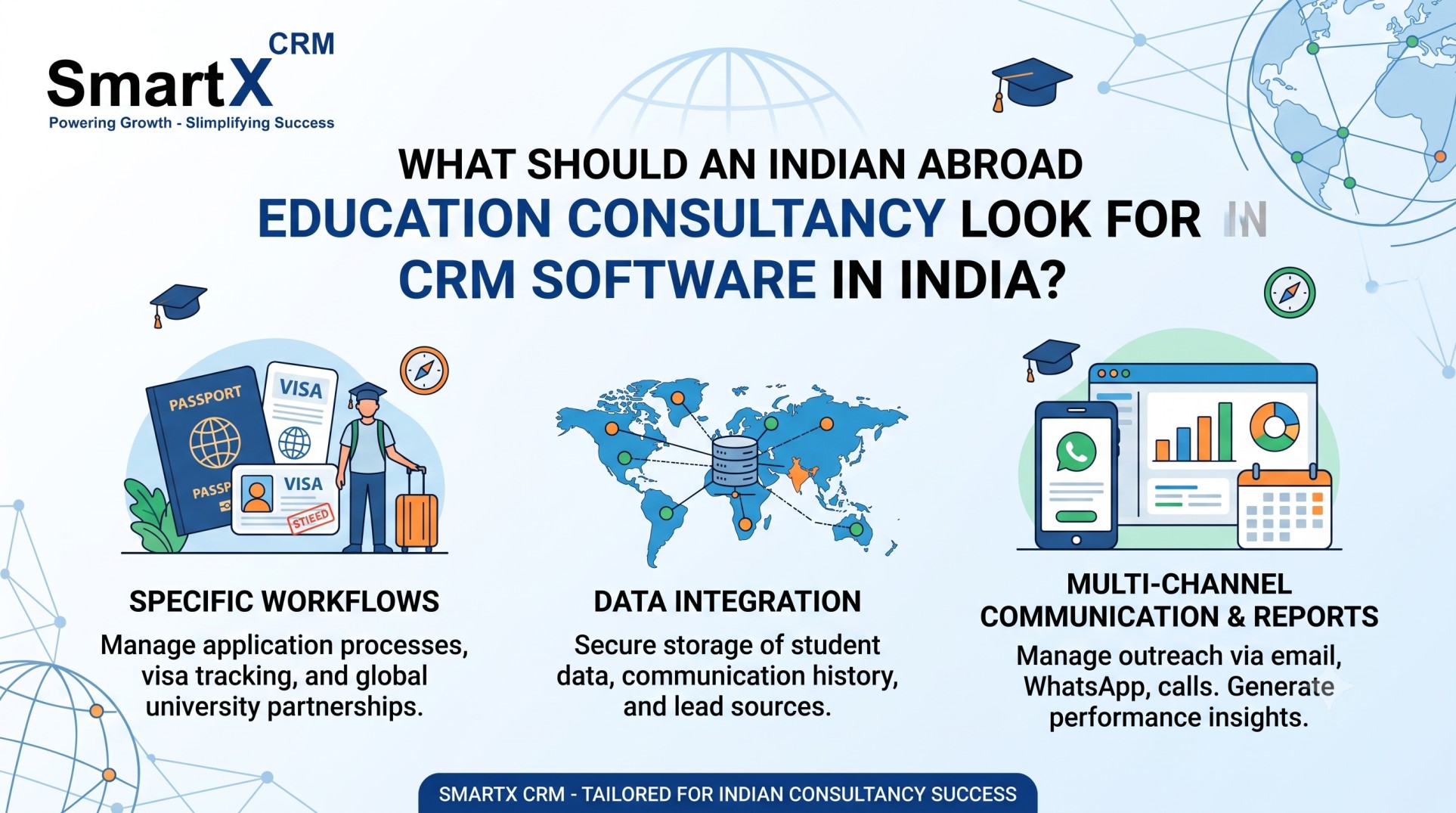
What Should an Indian Abroad Education Consultancy Look for in CRM Software in India?

What Should an Indian Abroad Education Consultancy Look for in CRM Software in India?

Introduction: Why CRM Software Matters for an Indian Abroad Education Consultancy If you run an overseas education consultancy in India, you already know the daily chaos: leads coming in from Facebook, Instagram, WhatsApp, referrals, and your website, counselors juggling spreadsheets, application documents scattered across email threads,

Read More

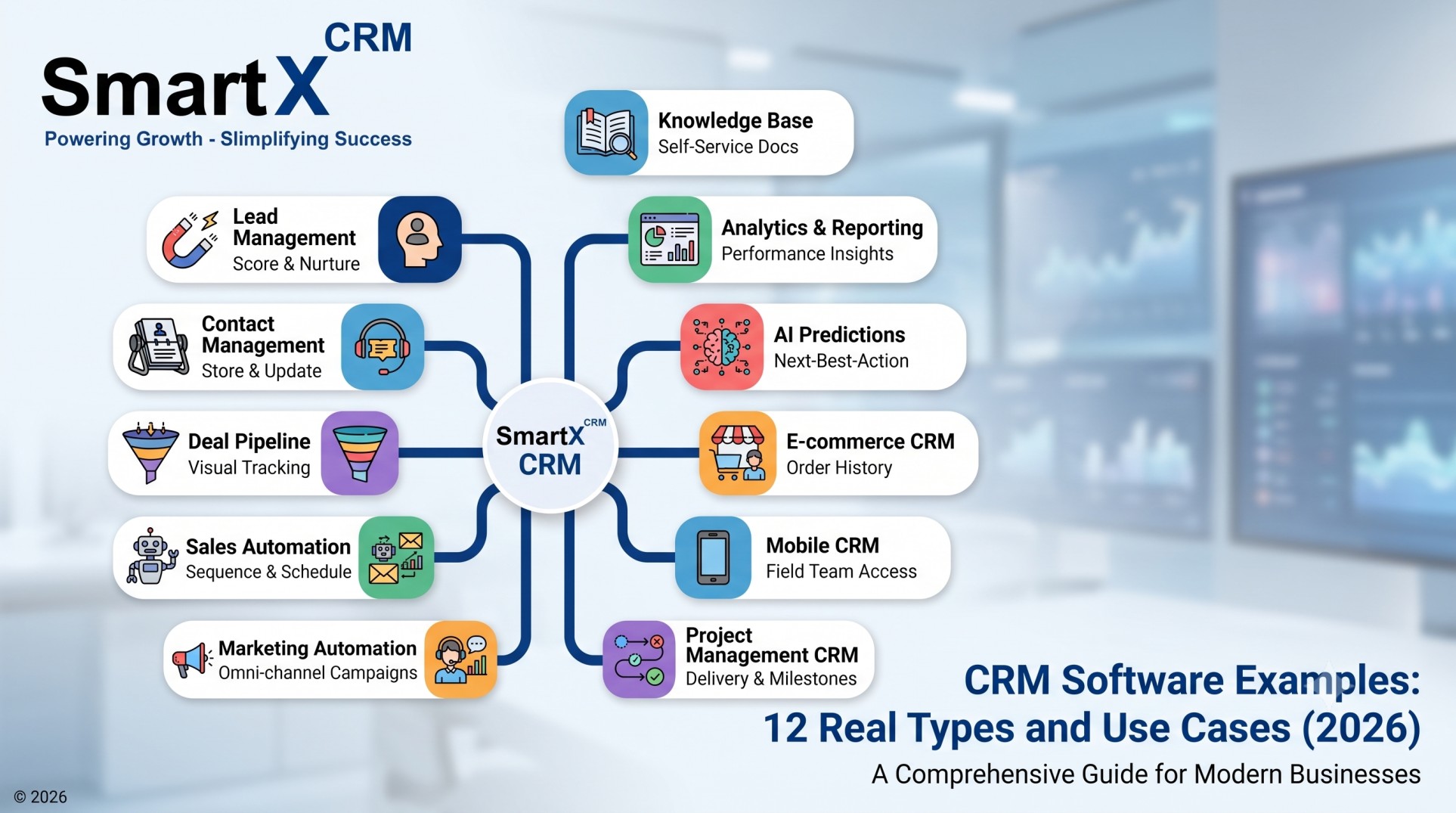
CRM Software Examples: 12 Real Types and Use Cases (2026)

Customer Relationship Management, or CRM, software is a system that stores customer data, tracks every interaction, and automates the follow up work that sales and support teams would otherwise do by hand. If you have ever searched for CRM software examples to understand what these tools

Read More
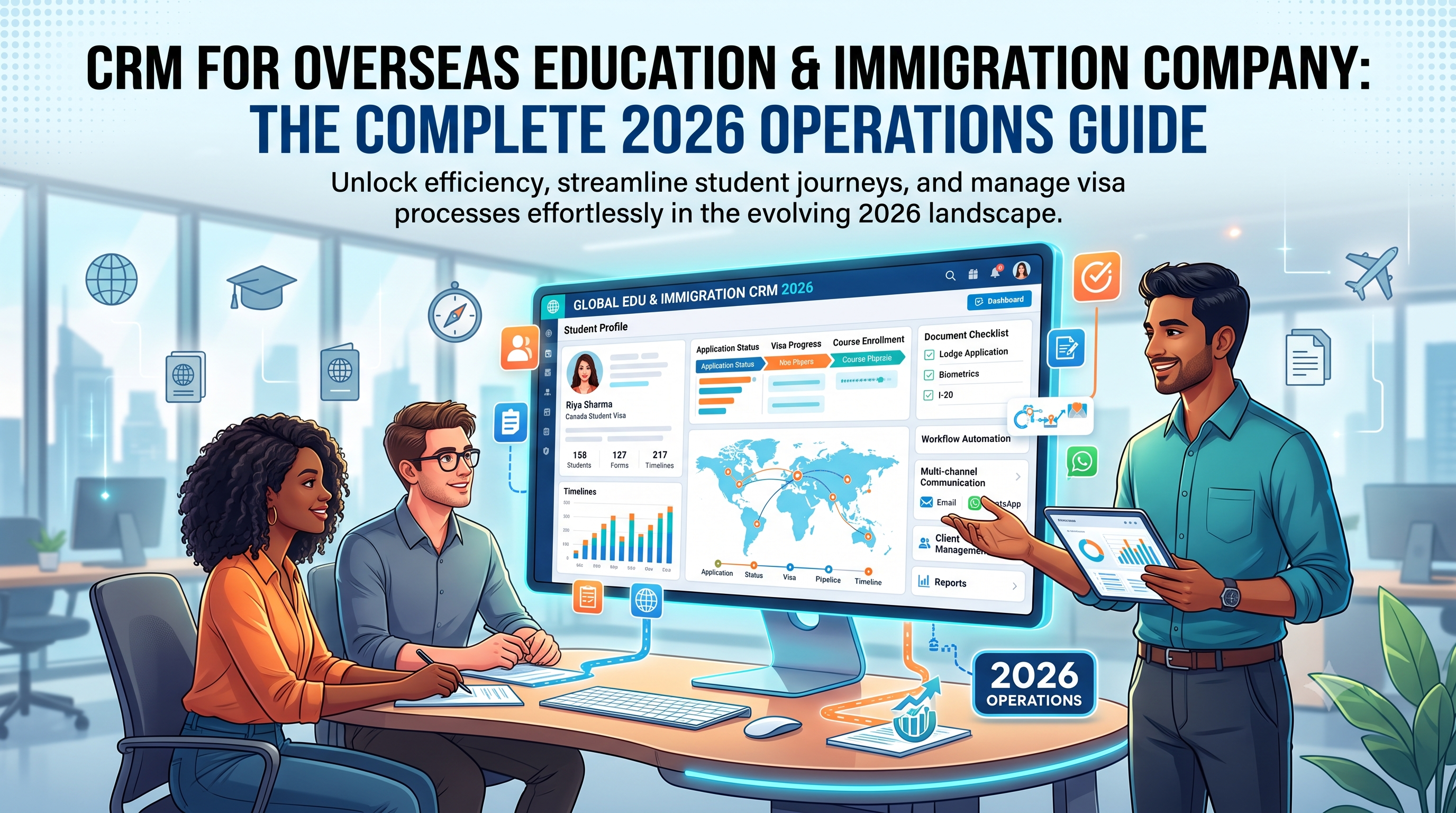
CRM for Overseas Education and Immigration Company: The Complete 2026 Operations Guide Running a single-desk consultancy and running an overseas education and immigration company are two different jobs. A company has branches, a sales floor, a commission structure for agents, compliance obligations across two or three countries, and a founder who needs one dashboard instead of five WhatsApp groups. A CRM for overseas education and immigration company is built for that second job — not for one counsellor managing forty files, but for an organisation managing forty counsellors. This guide is written for owners, operations heads, and franchise managers who are past the "should we get a CRM" question and are now deciding what a company-grade system actually needs to do: manage branches, manage agents, manage compliance, and produce numbers the founder can trust without chasing five team leads for an update. What a Company-Grade Overseas Education and Immigration CRM Actually Is A generic CRM tracks contacts and deals. An immigration company CRM software platform tracks something closer to a supply chain: a lead enters through a branch or an agent, moves through counselling, document collection, university or program selection, application submission, visa filing, and — months later — a payout or commission event. Every stage touches a different person, sometimes a different office, sometimes a different country's compliance rules. For a company (as opposed to a solo consultant), the system has to answer questions that only make sense at organisational scale: Which branch is converting leads fastest, and which one is bleeding them? Which agent's referrals actually enrol, versus which ones just generate noise? Who touched this student's file last, and when? What's our total outstanding commission liability to sub-agents this quarter? Are all our branches following the same visa document checklist, or is one office cutting corners? A tool built only for a single consultant's desk cannot answer these. A CRM for education and immigration business operations has to be built around branches, roles, and money flowing between them — not just a contact list with reminders attached. Why Companies Outgrow Consultant-Level Tools Most overseas education and immigration companies start on spreadsheets, then move to a basic CRM meant for one desk, then hit a wall around 15–20 staff or 3+ branches. The wall looks like this: Visibility collapses. The founder can no longer see what's happening across branches without asking each manager individually. Reports arrive late, in different formats, sometimes with different numbers for the same month. Compliance becomes inconsistent. One branch stores passport copies in a shared drive, another emails them, a third keeps them on a counsellor's laptop. When a regulator or partner university asks for an audit trail, there isn't one. Commission disputes multiply. Sub-agents and franchise partners argue over who gets credit for a lead that touched two offices. Without a single source of truth on lead ownership, these disputes eat management time every month. Growth stalls at hiring. Every new branch needs its own spreadsheet system rebuilt from scratch, and every new counsellor takes weeks to learn "how we do things here" because nothing is standardised in software. This is the point where companies specifically search for multi-branch education consultancy CRM solutions rather than single-user tools — because the problem has stopped being "I need reminders" and become "I need one operating system for the whole business." Core Modules an Overseas Education and Immigration Company Needs 1. Branch and Team Structure The CRM should mirror how the company is actually organised — head office, regional branches, and individual desks — not force everyone into one flat list of leads. Look for: Role-based access so a branch manager sees their branch, a counsellor sees their own students, and only head office sees everything. Branch-wise lead assignment rules, so inbound enquiries route automatically to the right office by geography or language. Cross-branch transfer logs, so when a student moves offices (a common scenario when a family relocates), ownership history stays intact instead of vanishing. 2. Agent and Sub-Agent Management Software Built In Most companies in this sector don't only sell direct — they run a network of freelance counsellors, sub-agents, and referral partners. This is where a plain consultant CRM falls apart and a proper agent and sub-agent management software module matters: A separate login for each agent so they can submit and track their own referrals without seeing the company's full database. Automatic commission calculation tied to enrolment or visa-grant milestones, not manual month-end spreadsheet reconciliation. Agent performance ranking — conversion rate, average processing time, complaint rate — so the company can identify which partners are worth investing more in and which are costing more than they bring. Territory or institution assignment, to stop two agents fighting over the same lead. 3. Application and Visa Case Management This is the operational backbone. A visa and immigration case management software layer inside the CRM needs to track, per student, per destination country: Every application submitted, its stage, and its deadline Country-specific checklists (a UK Student visa file looks nothing like a Canada Study Permit file, and both look nothing like a skilled-migration case) Interview scheduling and outcome notes Post-decision actions — visa grant, refusal, RFI (request for information) — with automatic next-step tasks created Because a company handles both education placement and immigration/visa work, the CRM should support both types of case in one file rather than forcing staff to maintain the student record in one system and the visa record in another. 4. Document Vault With Audit Trail Passports, transcripts, bank statements, offer letters, sponsorship declarations — these are sensitive documents, and for a company (not a solo desk), an audit trail matters for compliance and for resolving disputes ("who approved this document for submission?"). Company-grade document handling should include: Version history per document Expiry tracking (passports, police clearances, test scores) with automated alerts to both staff and student Permission tiers — some documents visible only to senior staff A student-facing upload portal so files don't sit in personal inboxes 5. Communication Logged Centrally When five counsellors across three branches are messaging the same family on WhatsApp, email, and phone, a company needs every message logged against the student's file — not scattered across personal devices. This protects the company if a staff member leaves (nothing walks out the door with them) and keeps communication consistent if a file is handed to a different counsellor mid-process. 6. Financial and Commission Reporting Beyond individual application fees, a company tracks: revenue per branch, revenue per source (direct vs. agent), commission payable to sub-agents, commission receivable from partner universities, and gross margin per student once all costs are counted. This financial layer is what turns a CRM from a task tracker into an actual management tool for the business owner. 7. Company-Wide Analytics and Dashboards The founder-level view should answer, without a single phone call: total leads this month by branch, conversion rate by branch and by counsellor, visa success rate by country and by staff member, and outstanding commission liability. This is the difference between running the company by instinct and running it by numbers. Choosing Between Consultant CRM Tools and Company-Grade Platforms Many products on the market are strong for a single desk but weren't designed with branch hierarchies, agent portals, or company-wide financial reporting as first-class features — they get bolted on later. Before committing, an owner should test a shortlist against five practical questions: Can I create a second branch and assign a manager to it in under ten minutes, without support tickets? Can I give an external sub-agent a login that shows only their own referrals? Does the commission engine calculate payouts automatically, or does someone still export to Excel every month? Can I run one report showing every branch's conversion rate side by side? Does the visa case module differentiate between education and skilled-migration case types, or is everything forced into one generic "application" object? If the answer to more than one of these is "not really, but we could customise it," that's a sign the platform was built for consultants, not for companies, and the customisation cost will keep recurring as the business grows. SmartX CRM's B2B sub-agent management module was built specifically around question 2 and 3 above — partner portals with milestone-based commission tracking rather than a manual spreadsheet layered on top of a generic CRM. Setting Up a CRM Across Multiple Branches: A Practical Rollout Plan Phase 1 — Map the current business, not the ideal one (Week 1) Document how leads actually flow today, branch by branch. Owners are often surprised that "the same process" is really three different informal processes once you look closely. This map becomes the blueprint for how branches will be structured in the CRM. Phase 2 — Pilot with one branch (Week 2–3) Run the full workflow — lead capture through to visa filing — in the CRM with a single branch before rolling it out company-wide. This surfaces configuration gaps (missing document types, wrong checklist for a destination country) while the blast radius is small. Phase 3 — Standardise, then expand (Week 4–6) Fix what the pilot exposed, lock in a standard checklist and workflow, then bring on the remaining branches together rather than one at a time — a staggered rollout across many branches tends to create version drift, where each branch quietly starts doing things its own way again. Phase 4 — Bring agents and sub-agents in (Week 6–8) Once internal staff are comfortable, onboard external partners with their limited-access portal. Set commission rules explicitly in writing before activating automatic payout calculation, so there's no ambiguity later. Phase 5 — Turn on company-wide reporting (Month 2+) Only start relying on cross-branch dashboards once at least a full month of clean data exists — early data from a rollout is usually messy and shouldn't be used for real performance decisions yet. Common Mistakes Companies Make When Adopting a CRM Buying a consultant tool and trying to force company structure onto it. This is the single most expensive mistake — it looks cheaper on the pricing page and costs more in customisation and workaround-building within six months. Skipping agent onboarding training. Sub-agents are often the least CRM-literate part of the network, and a confusing partner portal leads them straight back to sending leads over WhatsApp, defeating the whole point of tracking them centrally. Not defining commission rules before go-live. Once automatic calculation is switched on with vague rules, disputes get harder to resolve because "the system said so" carries weight even when the rule was wrong. Letting every branch keep its own document checklist. Consistency across branches is what makes company-wide compliance reporting possible. If each office defines its own visa checklist, head office loses the ability to audit anything reliably. Treating the rollout as an IT project instead of a change-management project. The software is the easy part. Getting forty staff across five branches to actually use it the same way is the real work, and it needs a named internal owner, not just a vendor contact. What Good ROI Looks Like for a Multi-Branch Company Individual consultants measure ROI in hours saved. Companies should measure it differently, because the value compounds across branches: Reduced commission disputes — a visible, rule-based calculation removes the monthly argument between head office and partner agents. Faster new-branch setup — once one branch is configured well, opening branch two or three should take days, not weeks, because the template already exists. Consistent compliance posture — every branch storing documents the same way, with the same expiry tracking, materially reduces the company's regulatory and reputational risk. Better hiring outcomes — new counsellors ramp up faster when the CRM enforces the company's process, rather than each senior staff member teaching their own version informally. Real visibility for decision-making — a founder who can see branch-by-branch conversion and visa-success data can actually decide where to invest, rather than guessing based on whichever branch manager complains loudest. Data Security and Compliance for a Multi-Country Operation A company handling passports, financial records, and immigration documents across several countries carries a heavier compliance burden than a single desk. This becomes more pressing once the business operates across borders — a company with offices or clients in Australia, India, and Malaysia, for example, has to account for more than one data-protection regime at once, and the CRM should not be the weak point. At minimum, a company-grade platform should offer: Encrypted storage for documents and personal data, both at rest and in transit Role-based access so document visibility matches seniority and need-to-know, not a flat "everyone sees everything" default A clear audit trail showing who viewed, edited, or submitted a document and when Data retention and deletion controls, so records for a closed case can be handled according to the company's policy rather than sitting indefinitely Regional data residency options where a partner university, government body, or client contract requires it None of this is exotic — it is the baseline any company handling passports and visa files should expect from a vendor before signing. Owners should ask vendors directly where data is hosted and whether the platform has been reviewed for compliance with the data-protection rules of every country the company operates in, rather than assuming a generic "we're secure" answer covers it. Comparing Deployment Models: Single-Tenant vs. Shared Platform Companies evaluating a CRM for education and immigration business operations at scale often face a further choice: a shared multi-tenant platform (the vendor's standard product, used by many companies) versus a dedicated instance built closer to the company's exact structure. A shared platform is faster to deploy and cheaper month to month, and it suits most companies well — branch and agent management, visa case tracking, and reporting are largely the same problem across the industry, so a mature shared product usually already covers 90% of what a company needs. A dedicated or heavily customised deployment makes sense mainly for larger groups with unusual structures — a franchise network with strict brand-level data segregation requirements, for instance, or a company running a proprietary visa-tracking integration with a government portal that isn't standard in the market. For most companies below enterprise scale, the shared platform route reaches full productivity faster and avoids the ongoing cost of maintaining custom code. What to Ask Before Signing a Contract Beyond the five workflow questions raised earlier, owners negotiating a company-wide contract should get clear, written answers on: Per-branch or per-agent pricing — does adding a new branch or sub-agent trigger a new negotiation, or is the pricing structure predictable as the company grows? Data ownership on exit — if the company switches vendors later, can the full dataset, including document files and communication logs, be exported cleanly? Uptime and support commitments — what is the actual response time for a support ticket during peak intake season, not just the marketing page's stated average? Feature roadmap input — does the vendor take feedback from company-tier customers seriously, or only from its largest accounts? Onboarding ownership — who on the vendor's side is responsible for getting all branches live, and what happens if that person changes mid-rollout? Getting these in writing before signing avoids the more common source of dissatisfaction with company-wide software purchases: not the product itself, but ambiguity in what was promised during the sales process. A Realistic Example: Scaling From One Office to a Regional Network Consider a company that starts as a single Melbourne office handling both study-abroad placement and skilled-migration visa work. In its first two years it opens a second branch in Sydney and begins working with a handful of independent counsellors across regional Australia who refer clients for a commission. On a single-desk CRM, this growth creates exactly the friction described earlier: the Sydney branch keeps its own spreadsheet for a few months before someone notices the numbers don't match head office's. Referral counsellors email leads in manually, and commission gets calculated by hand at month end, with occasional disagreement over which office actually closed a shared referral. Moving to a company-grade CRM before opening branch three addresses each of these directly: Sydney is set up as a branch in the same system from day one, referral counsellors get their own portal instead of emailing leads, and commission is calculated automatically against an agreed rule set. When branch three opens a year later, the template already exists — new branch setup becomes a configuration task measured in days, not a rebuild from scratch. This is the pattern company-grade software is meant to support: each additional branch or partner should get cheaper and faster to bring online, not harder. Frequently Asked Questions What makes a CRM suitable for a company rather than a single consultant? Branch hierarchy, role-based access, an agent/sub-agent portal with commission automation, and company-wide reporting are the features that separate a company-grade overseas education company management software from a tool built for one desk. A single-consultant CRM can often be adapted with workarounds, but those workarounds tend to break down once the company passes a handful of branches or partners. Can one CRM handle both education placement and immigration/visa case types? Yes, and for a combined-service company it should. Look specifically for a system that treats education applications and visa/immigration cases as distinct case types with their own checklists and stages, rather than forcing both into one generic "application" record. How do sub-agent portals work in an immigration company CRM software platform? Sub-agents get a restricted login that shows only the leads and cases they've referred. They can update progress and see commission status without visibility into the company's full database, protecting both client confidentiality and the company's other partner relationships. Is commission automation reliable enough to replace manual calculation? It's reliable once the underlying rules are configured precisely and tested against a few real cases before go-live. The failure point is almost always ambiguous rule-setting at the start, not the software itself. How long does a multi-branch rollout typically take? A single-branch pilot can be live within one to two weeks. Bringing the rest of an established multi-branch company fully onto the system, including agent onboarding and clean company-wide reporting, typically takes six to eight weeks when following a phased plan rather than a single company-wide switch-over. What's the biggest difference between running a franchise CRM for education consultants versus an owned multi-branch model? Franchise setups usually need stricter data segregation — each franchisee should see only their own territory's data — plus a centralised brand-level reporting layer for the franchisor. Owned multi-branch companies can share more visibility internally since every branch belongs to the same legal entity. Should a growing company choose a shared platform or a custom-built CRM? For most companies, a mature shared platform reaches full productivity faster and costs less to maintain over time, since branch management, agent portals, and visa case tracking are largely solved problems in the industry already. Custom builds tend to make sense only for larger networks with unusual structural or integration requirements that a standard product genuinely can't accommodate. Who inside the company should own the CRM rollout? Ideally a named operations lead, not the founder alone and not left entirely to the vendor. The vendor can configure the system, but getting every branch and every counsellor to actually follow the same process day to day is an internal change-management responsibility that needs a clear owner with the authority to enforce it. Conclusion A CRM for overseas education and immigration company operations is not the same purchase as a CRM for an individual consultant, even though the two are often marketed side by side. The company version has to hold branch structure, agent networks, financial reporting, and compliance consistency together in one system — and it has to keep holding that structure as the company adds its fifth branch, its twentieth sub-agent, or its first franchise partner. Owners evaluating options should test any shortlisted platform against the five practical questions in this guide before signing a contract, and should budget the rollout as a change-management project, not just a software purchase. Done properly, the payoff isn't just time saved per counsellor — it's a business the founder can actually see and run from one dashboard, branch by branch, agent by agent. If the company also needs the deeper feature list for individual counsellor workflows — lead scoring, document vaults, visa checklists in full detail — the companion guide on CRM for study abroad and immigration consultancy covers that ground. For company owners specifically weighing partner-network growth, the B2B sub-agent management page and the education lead generation resources are the two most relevant next reads.

CRM for Overseas Education & Immigration Company | Guide

CRM for Overseas Education and Immigration Company: The Complete 2026 Operations Guide Running a single-desk consultancy and running an overseas education and immigration company are two different jobs. A company has branches, a sales floor, a commission structure for agents, compliance obligations across two or three

Read More
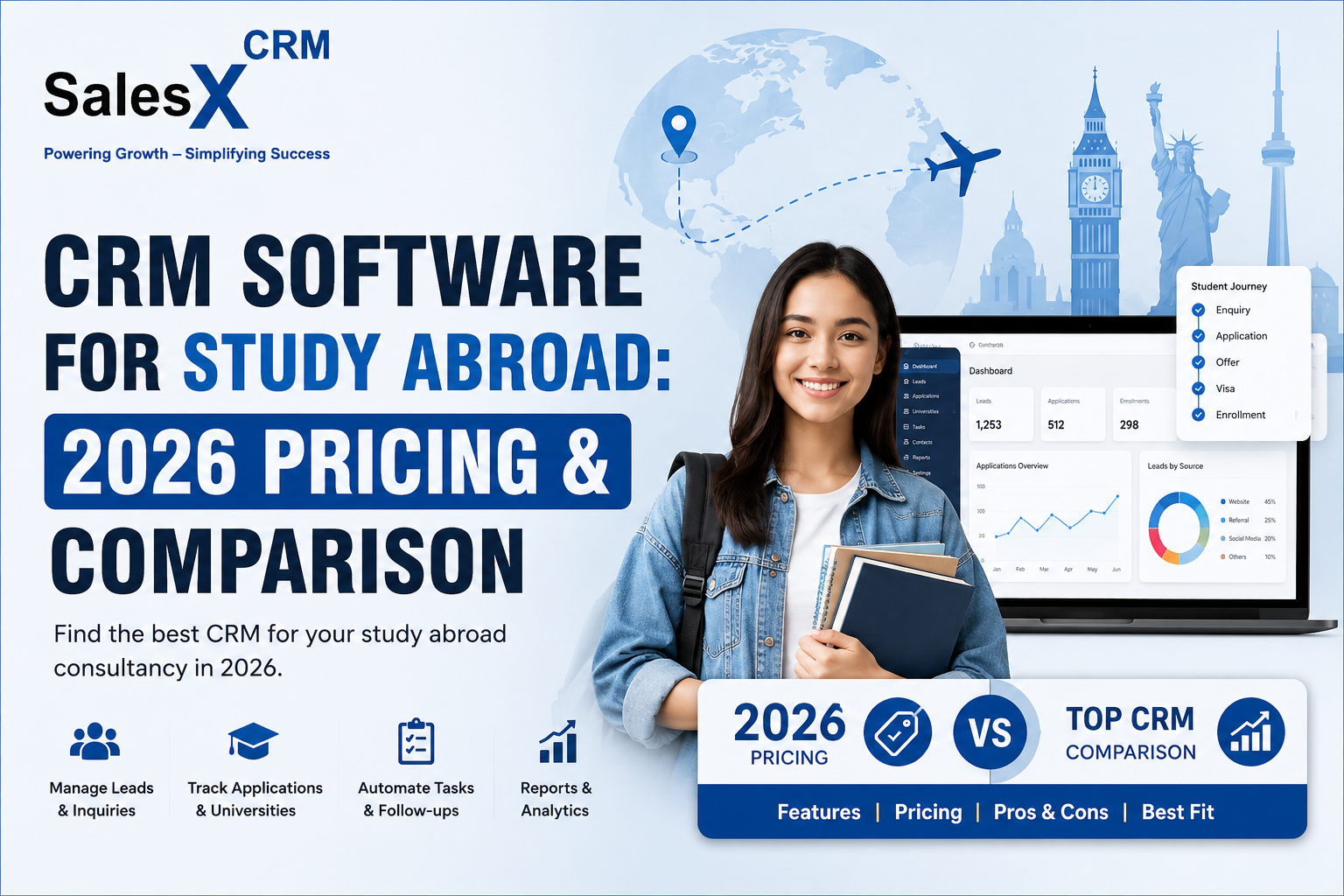
CRM Software for Study Abroad: 2026 Pricing & Comparison

CRM Software for Study Abroad: 2026 Pricing & Comparison

CRM Software for Study Abroad: How to Compare, Price, and Choose the Right One in 2026 Quick answer: CRM software for study abroad is purpose-built to manage a student’s full journey — inquiry, counselling, multiple parallel university applications, document collection, visa processing, and enrollment — in

Read More
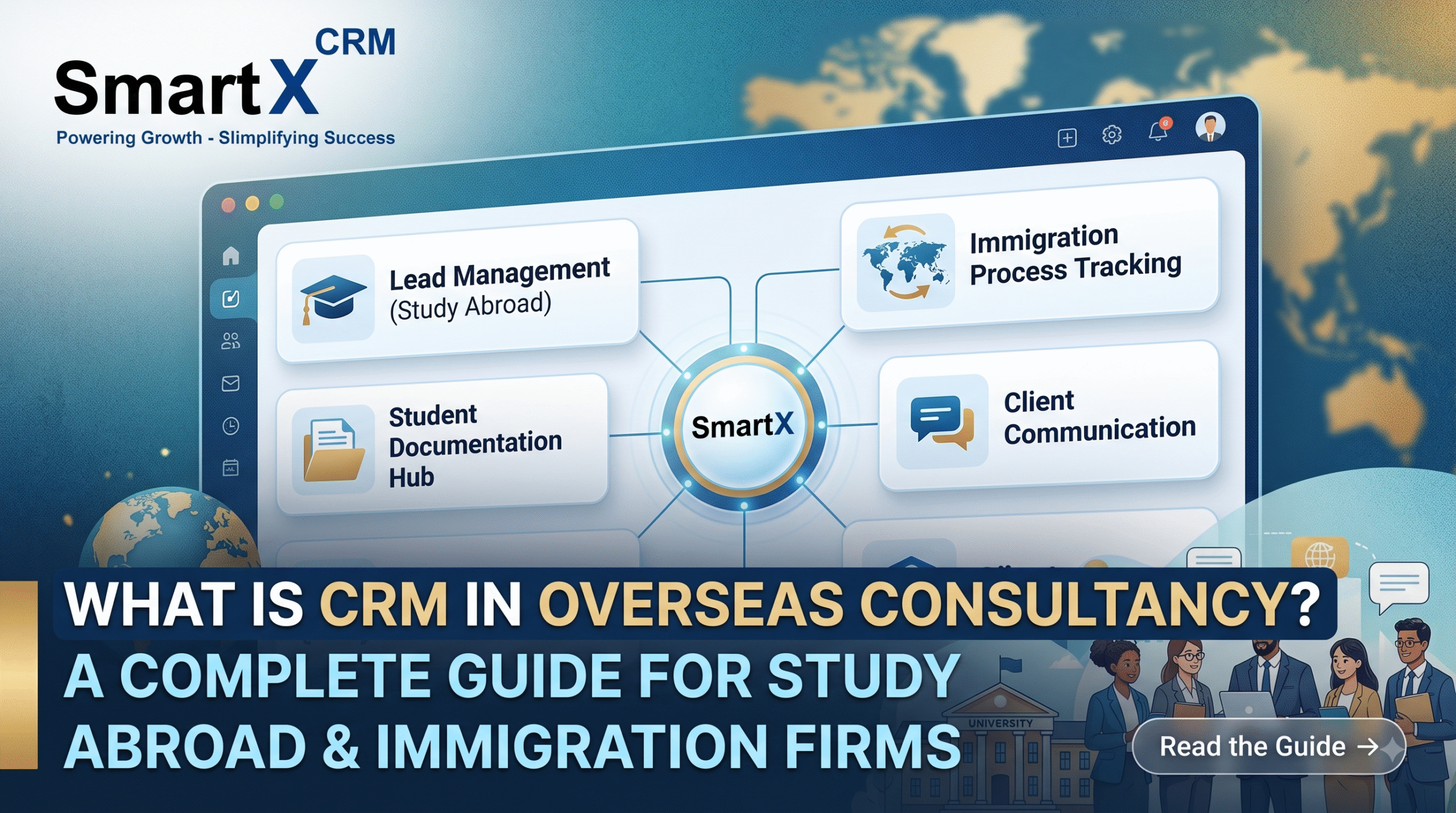
What Is CRM in Overseas Consultancy? A Complete Guide for Study Abroad and Immigration Firms

What Is CRM in Overseas Consultancy? A Complete Guide for Study Abroad and Immigration Firms

Running an overseas education or immigration consultancy involves more moving pieces than most outsiders realize. A single student file might touch a counsellor, a document verification team, a university liaison, a visa officer, and an accounts department before an offer letter is even issued. When that

Read More