

Last updated 25 November 2026. Written by the SmartX CRM Product Team.
Quick answer: The main challenges of CRM implementation in small businesses are choosing the wrong tool, cost worries, staff not using it, messy data, too much customisation and underestimating the time it takes. Running without a CRM is usually worse: lost customer data, missed follow-ups and no view of the sales pipeline. Start small, clean your data and set one owner.
Small business owners in India often say the same two things about CRM: “we lose leads because nothing is tracked” and “we tried a CRM once and nobody used it”. This guide covers both sides. First the challenges of CRM implementation in small businesses and how to fix each one, then what goes wrong when a business runs without a CRM, and a simple 7-step plan to get it right.
What are the challenges of CRM implementation in small businesses?
The biggest challenges of CRM implementation in small businesses are picking a tool that does not fit, fear of cost and complexity, low staff adoption, poor data quality, over-customising and giving the project too little time. Each one has a practical fix.
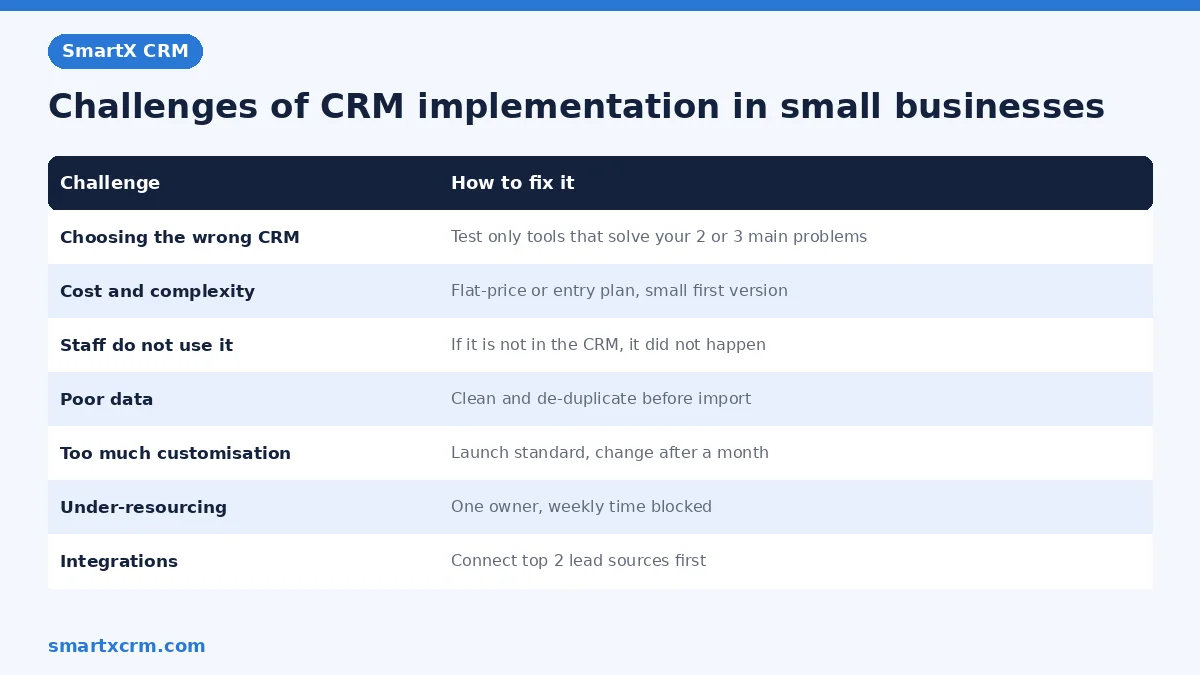
| Challenge | What it looks like | How to fix it |
|---|---|---|
| Choosing the wrong CRM | A tool built for large sales teams, with features nobody needs | List your 2 or 3 main pain points first and test only tools that solve them |
| Cost and complexity | Owner fears a large bill and months of setup | Start with a flat-price or entry plan and a small first version |
| Staff do not use it | Team keeps using notebooks and WhatsApp | Make one rule: if it is not in the CRM, it did not happen |
| Poor data | Duplicate contacts, wrong numbers, old Excel sheets | Clean and de-duplicate before import |
| Too much customisation | Weeks spent on fields and reports before go-live | Launch with standard stages, add changes after a month |
| Under-resourcing | Nobody owns the CRM, so setup stalls | Name one owner and block time every week |
| Integrations | Website forms, ads and calls do not connect | Connect your top 2 lead sources first |
| Data security | Worry about who can see customer data | Use roles and permissions from day one |
These challenges of CRM implementation in small businesses match what the US Small Business Administration blog lists as the three biggest problems: confusion about which CRM to choose, the belief that CRM is too costly and complex, and under-resourcing the rollout. It notes that implementation can take two or three times longer than expected, and advises defining in detail what you are trying to solve before you start (SBA blog, Anita Campbell). EngageBay’s 2026 guide adds change resistance, management buy-in, data security, scope and integrations to the list (EngageBay).
What problems do small businesses face without a CRM?
Without a CRM, a small business depends on people’s memory and personal phones. That leads to five common problems: customer data gets lost, follow-ups are missed, sales cannot be tracked, communication is inconsistent, and growth stalls because nothing is written down.
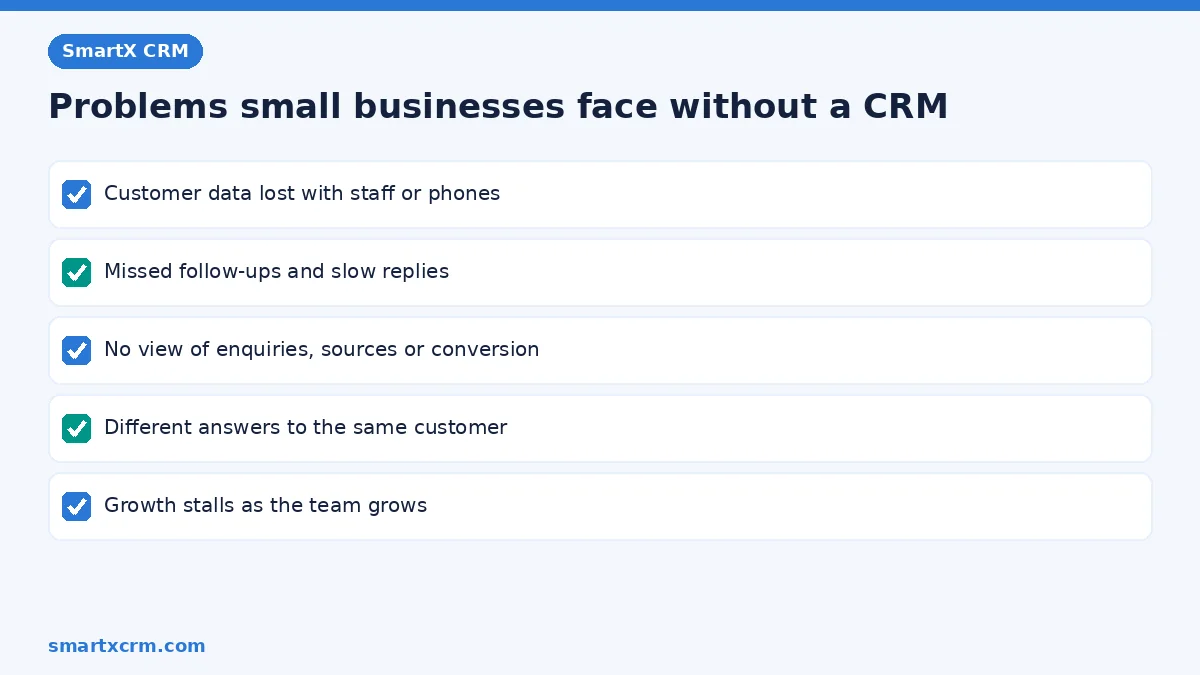
Customer data loss
Contacts live in one salesperson’s phone, a notebook and three Excel files. When that person leaves or the phone is lost, the history goes too. The new person calls the customer and asks the same questions again.
Missed follow-ups
A lead that asked for a quote on Monday hears back next week, or never. Nobody notices because there is no list of open follow-ups and no reminder.
No view of sales
The owner cannot answer simple questions: how many enquiries came this month, from where, how many became customers, and which salesperson is converting. Decisions about ad spend are guesses.
Inconsistent communication
Two staff members reply to the same customer with different prices or timelines because neither can see what the other said.
Growth stalls
Adding a second salesperson or a second branch makes things worse, because each new person adds another private list of contacts.
Example: a 4-person interior design firm in Pune
This is an illustrative scenario, not a customer story.
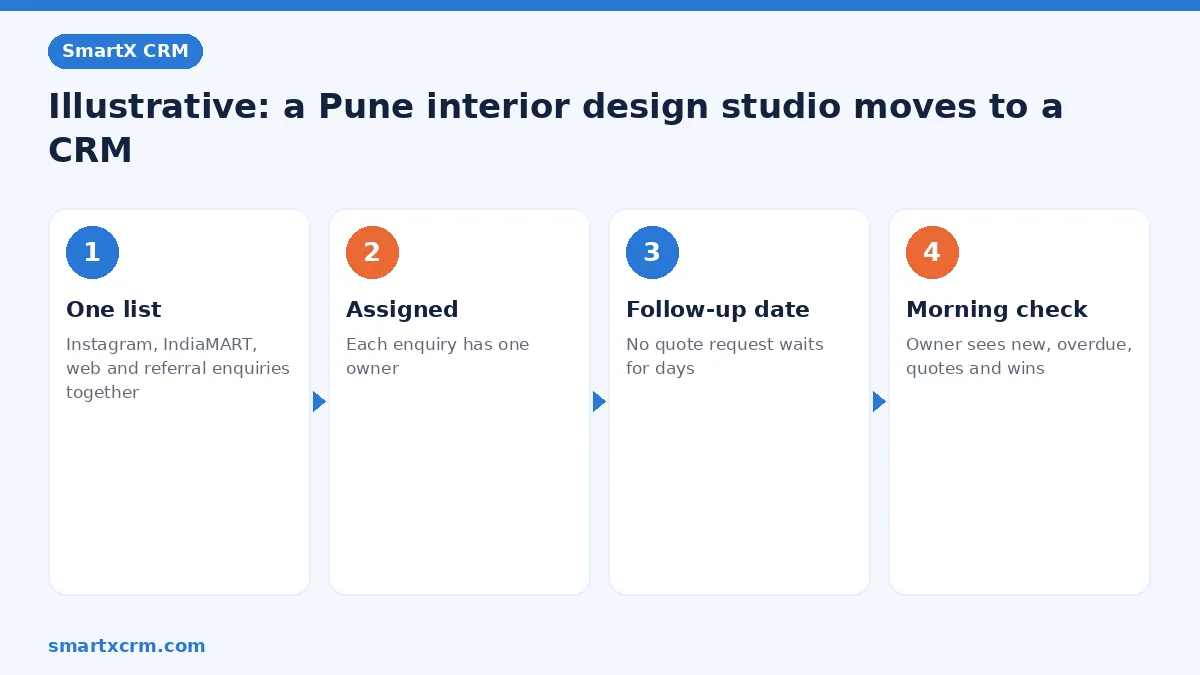
A small interior design studio in Pune gets enquiries from Instagram, IndiaMART, its website and referrals. The owner and three designers each keep their own WhatsApp chats and an Excel sheet. In a busy month, quote requests from Instagram sit unanswered for days because everyone assumes someone else replied, and the owner only sees the problem when a customer says they went with another studio.
After moving to a simple CRM, every enquiry lands in one list with its source, gets assigned to one designer, and has a follow-up date. The owner checks one screen each morning: new enquiries, overdue follow-ups, quotes sent and projects won. The process did not change much; it just became visible.
Why do small businesses abandon CRM systems?
Small businesses usually abandon a CRM because it was too complex for their size, the team never formed the habit of using it, or the cost grew as users were added. The SBA blog also points to under-resourcing: owners give up when setup takes longer than they planned.
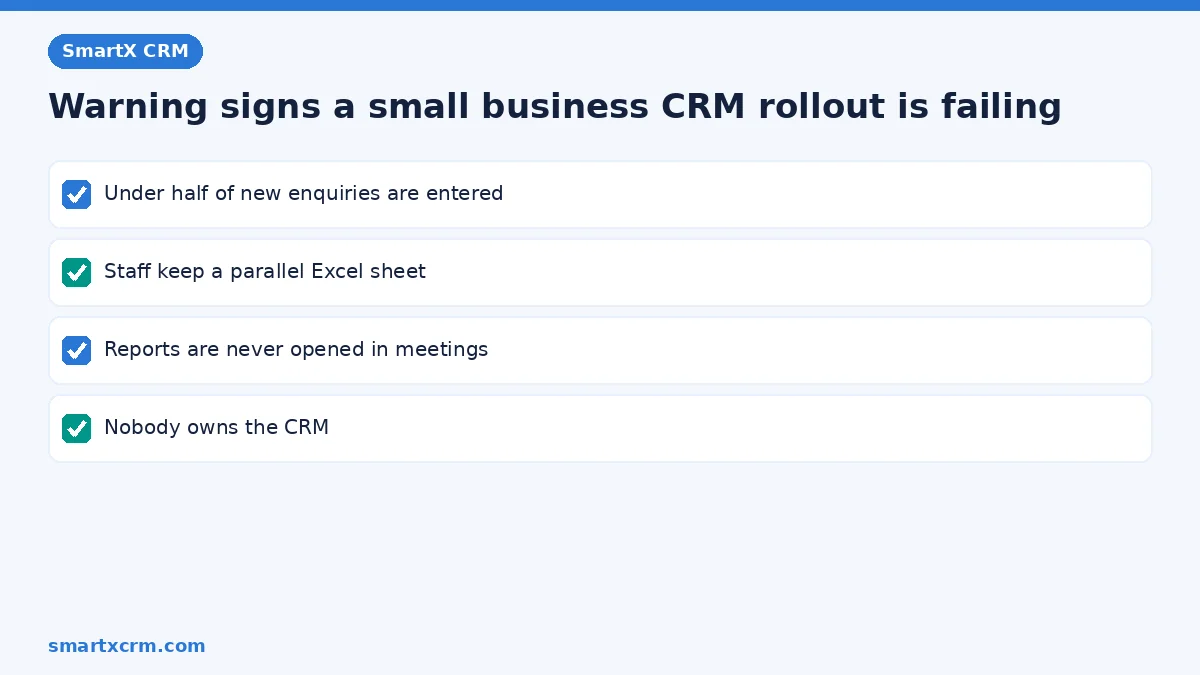
Most challenges of CRM implementation in small businesses show up as early warning signs. Watch for these:
- Fewer than half of new enquiries are entered in the CRM.
- Staff keep a parallel Excel sheet “just in case”.
- Reports are not opened in team meetings.
- Nobody knows who to ask when something does not work.
If you see these in the first month, cut the setup back to the basics: one pipeline, a few stages, one daily follow-up list.
Do small businesses need a CRM?
Most small businesses need a CRM once more than one person talks to customers, or once enquiries come from more than one channel. Below that, a well-kept spreadsheet can work. Above it, leads start slipping through without anyone noticing.
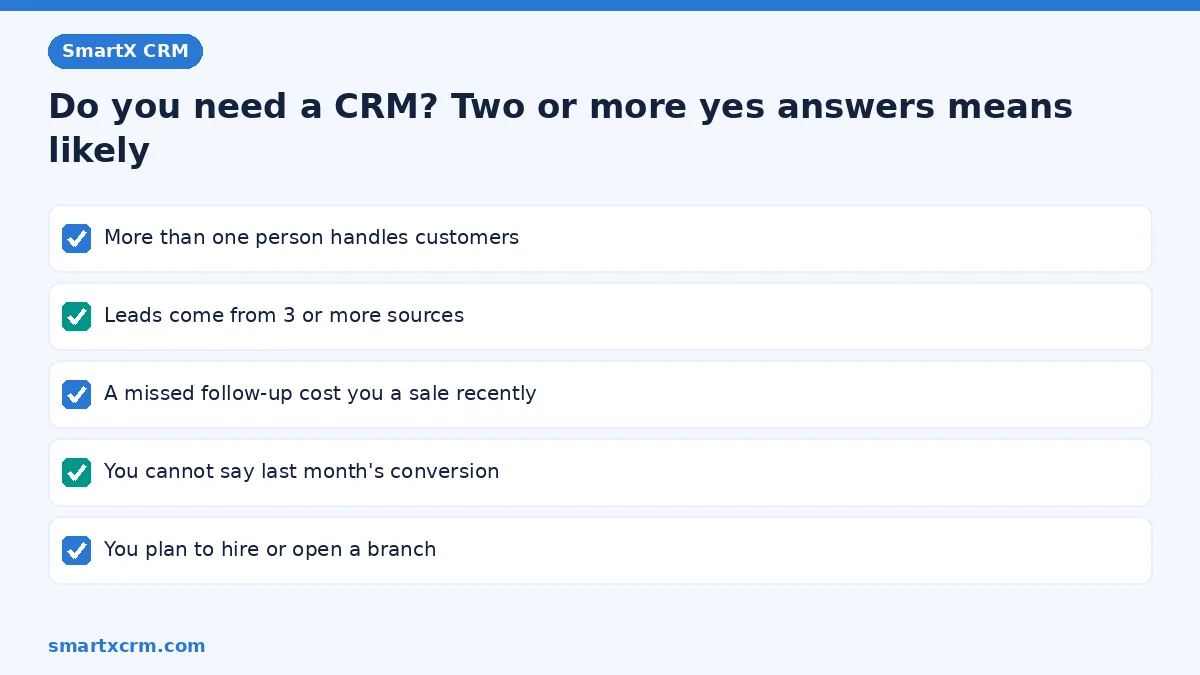
A quick self-check. You likely need a CRM if two or more of these are true:
- More than one person handles enquiries or customers.
- Leads come from 3 or more sources (website, ads, IndiaMART, WhatsApp, walk-ins, referrals).
- You have missed a follow-up in the last month that cost you a sale.
- You cannot say how many enquiries became customers last month.
- You plan to hire salespeople or open a branch this year.
How to implement a CRM in a small business: 7 steps
A small business can usually set up a working CRM in two to four weeks if it keeps the first version simple. These steps avoid the usual challenges of CRM implementation in small businesses; follow them in order.
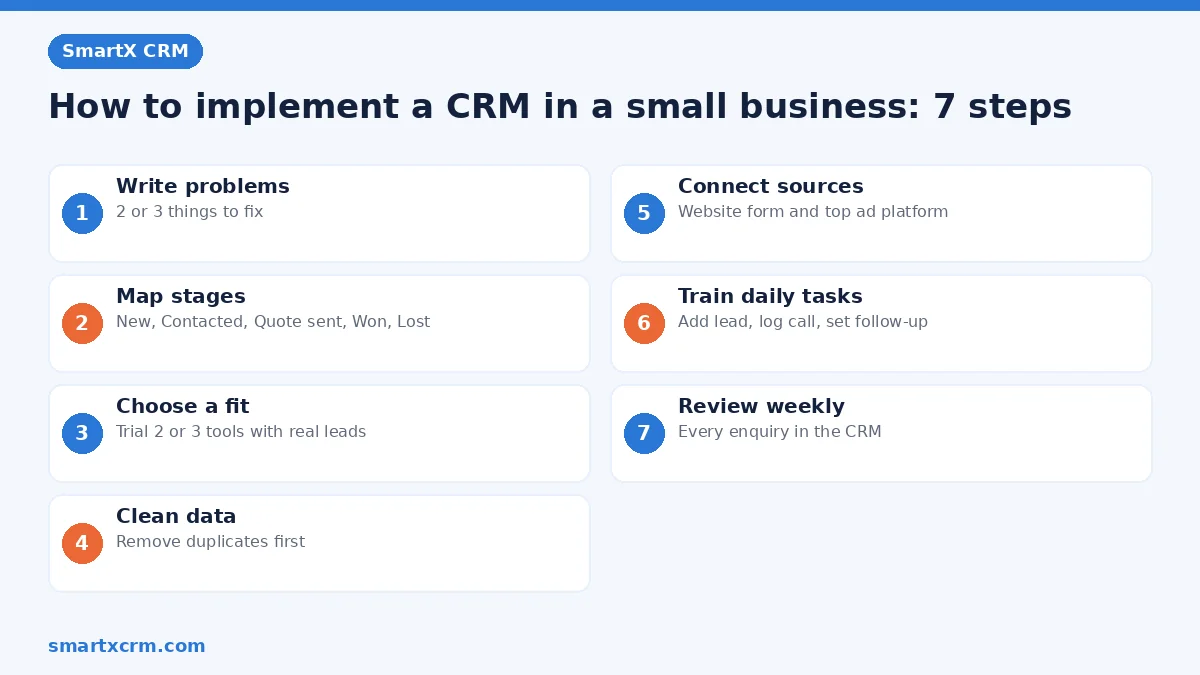
- Write down your problems: list the 2 or 3 things you want to fix, such as missed follow-ups or no lead source tracking.
- Map your stages: keep it short, for example New, Contacted, Quote sent, Won, Lost.
- Choose a tool that fits: test 2 or 3 CRMs with a free trial using your real leads.
- Clean your data: remove duplicates and wrong numbers before importing.
- Connect your main lead sources: website forms and your top ad or listing platform first.
- Train the team on daily tasks only: adding a lead, logging a call, setting a follow-up.
- Review weekly for the first month: check that every new enquiry is in the CRM and fix what slows people down.
What support should a small business expect after adopting a CRM?
After go-live, a small business should expect help with onboarding, quick answers to “how do I” questions, fixes when integrations break, and a review after the first month. Ask the vendor about this before you buy.
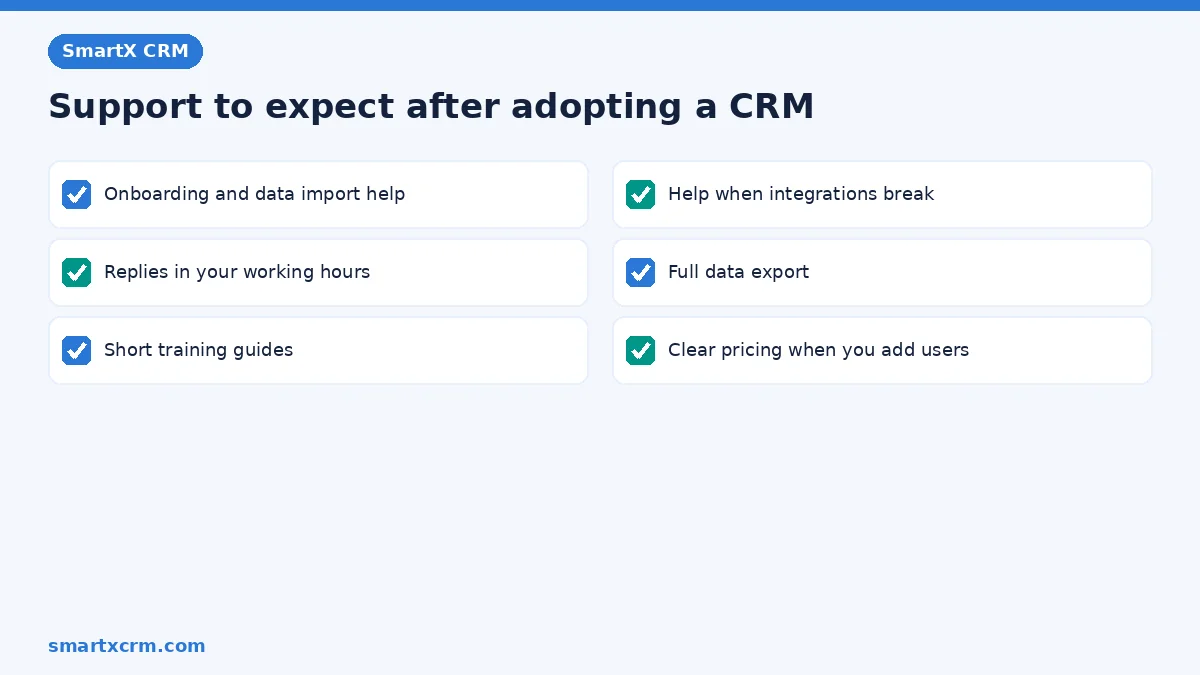
- Onboarding: help importing data and setting up stages and users.
- Support hours: replies in your working hours, ideally on phone or WhatsApp.
- Training material: short videos or guides for daily tasks.
- Integration help: when a website form or ad connector stops sending leads.
- Data export: the ability to take all your data out if you leave.
- Pricing clarity: what happens to the price when you add users.
How SmartX CRM helps small businesses
SmartX CRM builds CRM software for small businesses in India with one flat annual price, no per-user fees and unlimited users, as stated on the SmartX CRM homepage. That removes one of the biggest challenges of CRM implementation in small businesses: cost rising every time you hire.
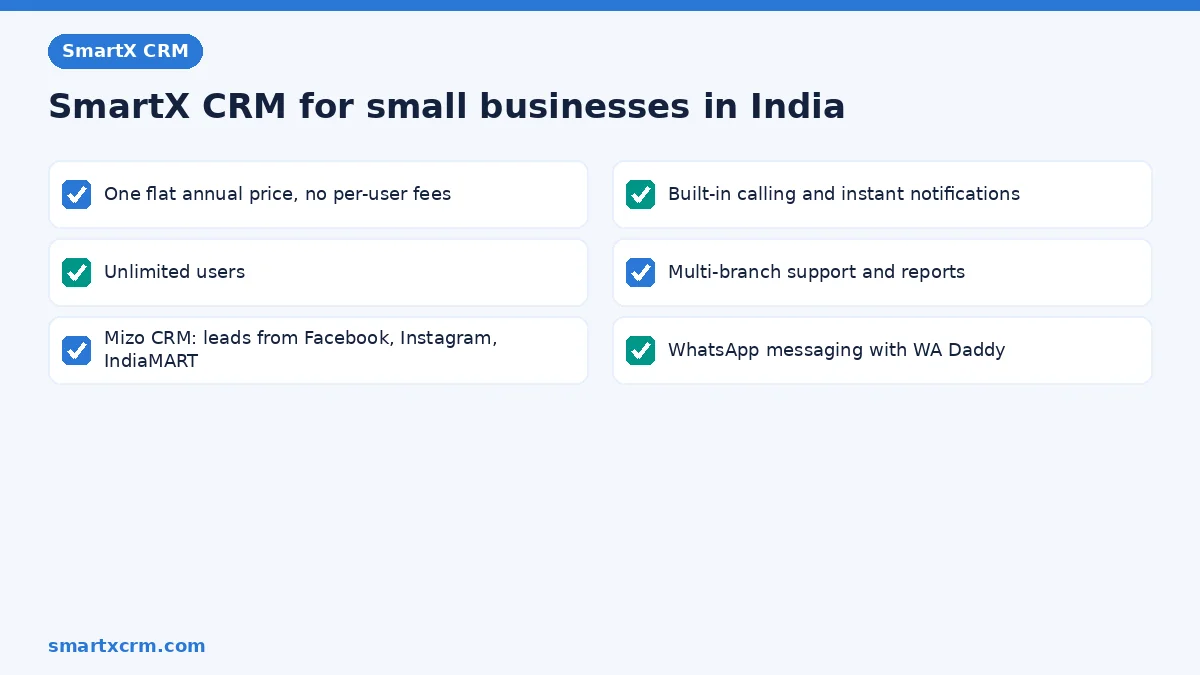
For general sales teams, Mizo CRM (lead management CRM for small teams) is the lead management product. Its page lists a unified dashboard, multi-branch support, lead capture from Facebook, Instagram, YouTube, LinkedIn and IndiaMART ads, lead stages (New, In Progress, Converted, Dropped), instant notifications, a built-in calling system and reports. For WhatsApp messaging there is WA Daddy (WhatsApp marketing tool). Industry versions exist for education consultants and clinics.
You can start a free trial or request a demo to test it with your own leads. Related reading: lead management and why small businesses need CRM software.
Frequently asked questions
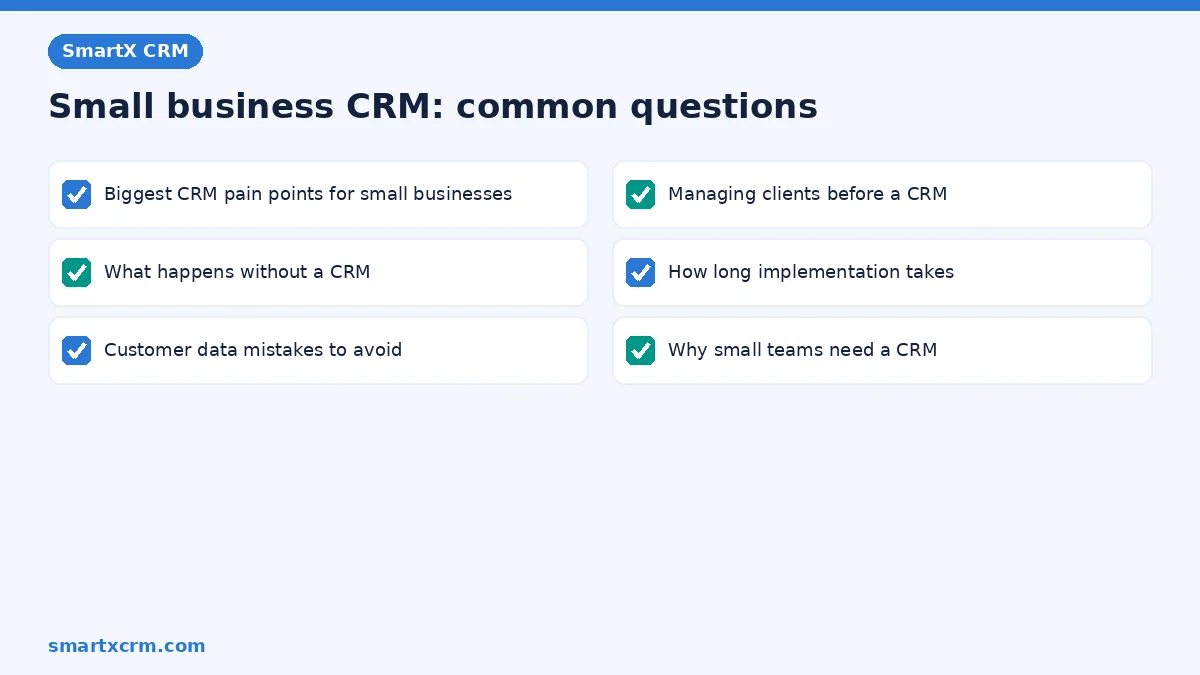
What are the biggest CRM pain points for small businesses?
The biggest pain points are choosing a CRM that is too complex, staff not entering data, costs rising with each new user, and poor data from old spreadsheets. Most challenges of CRM implementation in small businesses can be fixed by starting with a simple setup, one owner and a flat-price plan.
What can happen if a company does not use a CRM?
Without a CRM, customer history is lost when staff leave, follow-ups are missed, the same customer gets different answers, and the owner cannot see which channels bring sales. These problems grow as the team grows.
What mistakes do small businesses make when managing customer data?
Common mistakes are keeping contacts on personal phones, using several Excel files for the same customers, not recording the lead source, and not setting follow-up dates. A CRM fixes these by keeping one record per customer with its full history.
How do small business owners manage client relationships before using a CRM?
Most use a mix of WhatsApp chats, phone contacts, notebooks and Excel sheets. This works for a handful of customers but breaks once several people handle enquiries or leads come from many channels.
How long does it take a small business to implement a CRM?
A simple CRM setup usually takes two to four weeks for a small team. The SBA blog warns that projects often take two or three times longer than planned, so keep the first version small and add features later.
Why do small teams need a CRM even without high sales volume?
Even with few deals, a CRM keeps every conversation, quote and follow-up date in one place, so nothing depends on one person’s memory. For small teams, one lost deal can matter more than for a large company.
About the author: The SmartX CRM Product Team builds CRM software for small businesses in India, including Mizo CRM, EduCa CRM, Dr. Hub CRM and WA Daddy. External sources in this guide were checked on 25 November 2026.



Leave a comment: