
Quick answer: A CRM for medical practice keeps every patient enquiry, appointment, follow-up and message in one record, then automates reminders and recalls so fewer patients drop off between visits. For Indian clinics, the right one adds WhatsApp reminders, GST billing, role-based access and consent records that fit the DPDP Rules, 2025.
By the SmartX CRM Product Team. Last updated 27 November 2026. Facts about Dr. Hub CRM come from its product page; legal facts come from the Government of India sources linked below.
Most clinics already have the patients. What they lose is the thread: a caller who never got a call back, a post-surgery review that slipped, a diabetic patient whose three-month recall nobody tracked. This guide explains what a CRM for medical practice does, the features that matter in India, a seven-step set-up plan and the data rules you must follow.
What is a CRM for medical practice?
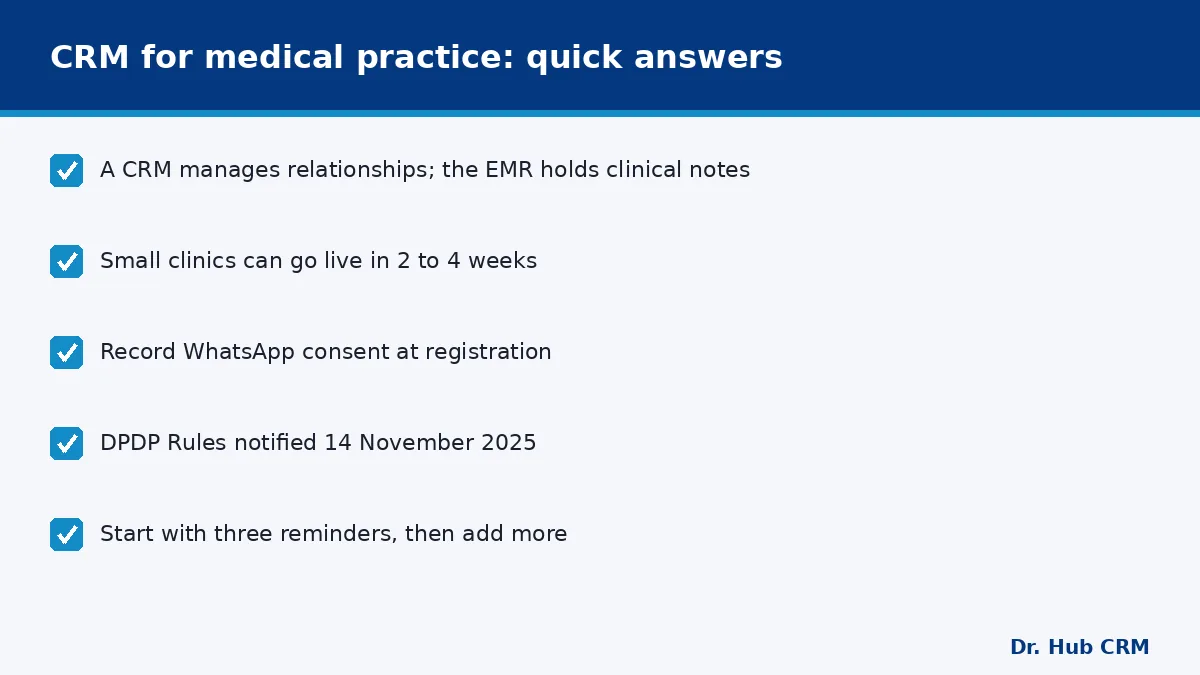
A CRM for medical practice is a patient relationship system: it records who contacted the clinic, why, what happened at each visit and what should happen next, and it reminds staff and patients at the right time. It sits beside clinical software rather than replacing it.
| System | Main job | Typical users |
|---|---|---|
| CRM for medical practice | Enquiries, reminders, follow-ups, recalls, patient messages | Front desk, clinic manager, doctors |
| EMR or EHR | Diagnosis, prescriptions, clinical history | Doctors and nurses |
| Practice management software | Appointments, billing, inventory | Reception and accounts |
| Hospital management system | IPD, OT, beds, pharmacy across departments | Hospitals and large clinics |
Many Indian products blend these jobs. A small clinic often does better with one tool that covers appointments, OPD notes, billing and follow-ups than with three systems that do not talk to each other.

Why do medical practices in India need a CRM?
Medical practices need a CRM because enquiries and follow-ups now arrive through too many channels for a register and a personal phone to track. Calls, walk-ins, Google Maps listings, WhatsApp chats and doctor referrals all land in different places.
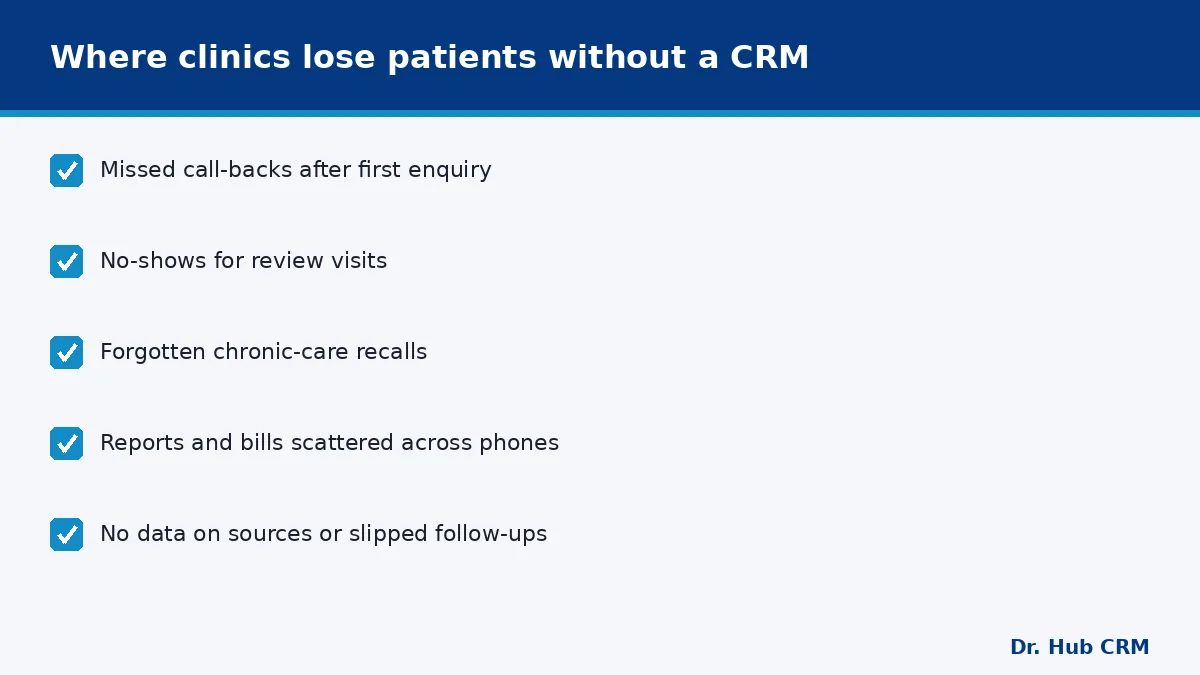
- Missed call-backs. A patient who called about a knee consultation and heard nothing usually books elsewhere.
- No-shows. Without a reminder the day before, patients forget review visits and dressing changes.
- Lost recalls. Chronic care, vaccination schedules and annual check-ups depend on someone remembering the date.
- Scattered records. Reports on one staff phone and bills in another file make it hard to see a patient’s full history.
- No numbers. Without data, the owner cannot see which source brings patients or which doctor’s follow-ups slip.
A CRM turns each of these into a task with an owner and a due date. That is the real change: follow-up stops depending on memory.
Must-have features in a CRM for medical practice
The features below separate a useful CRM for medical practice from a generic sales CRM. Check each one in a live demo with your own sample data.
| Feature | Why it matters | What to check in the demo |
|---|---|---|
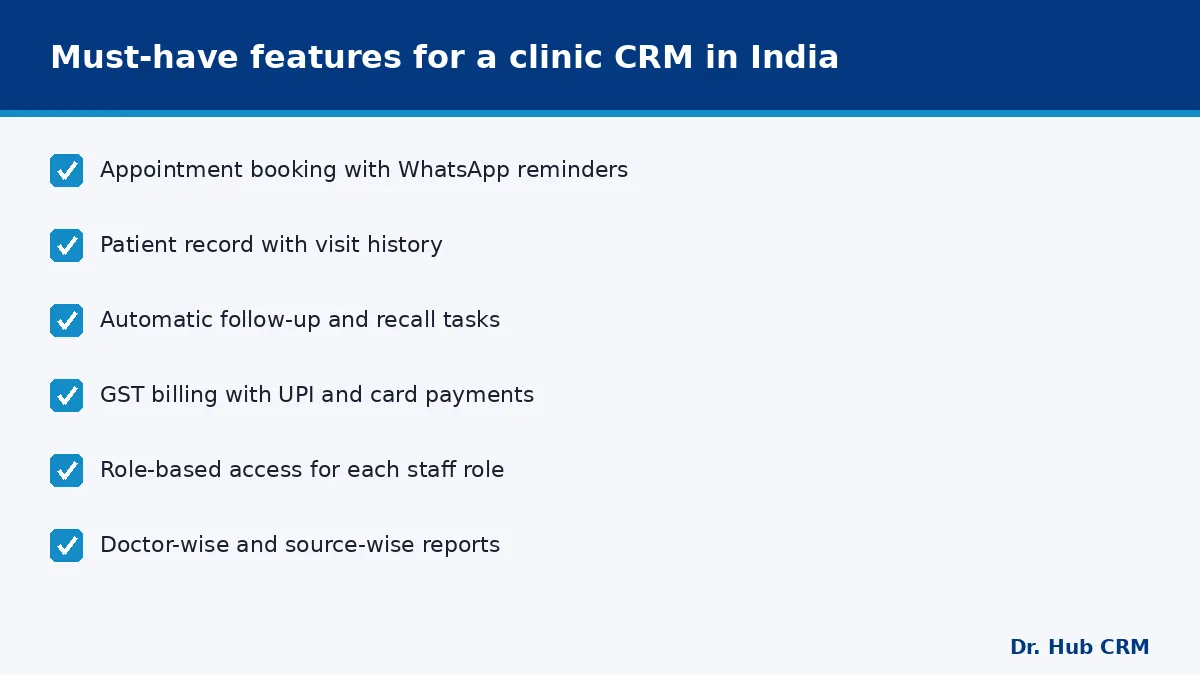
| Appointment booking and reminders | Cuts no-shows | Doctor-wise slots, WhatsApp reminder the day before |
| Patient record with visit history | One view for staff and doctors | Notes, reports and bills linked to one patient |
| Follow-up and recall tasks | Keeps chronic and post-procedure care on track | Auto-created task after each visit type |
| WhatsApp and SMS messages | Reminders reach patients on the app they already use to message the clinic | Templates, consent record, opt-out |
| Billing with GST and UPI | Front desk closes the visit in one place | OPD invoice, package billing, payment modes |
| Role-based access | Protects sensitive data | Separate doctor, receptionist and accountant logins |
| Reports | Shows sources, conversions and revenue | Doctor-wise and service-wise reports, Excel export |
How to set up a CRM for your medical practice in 7 steps
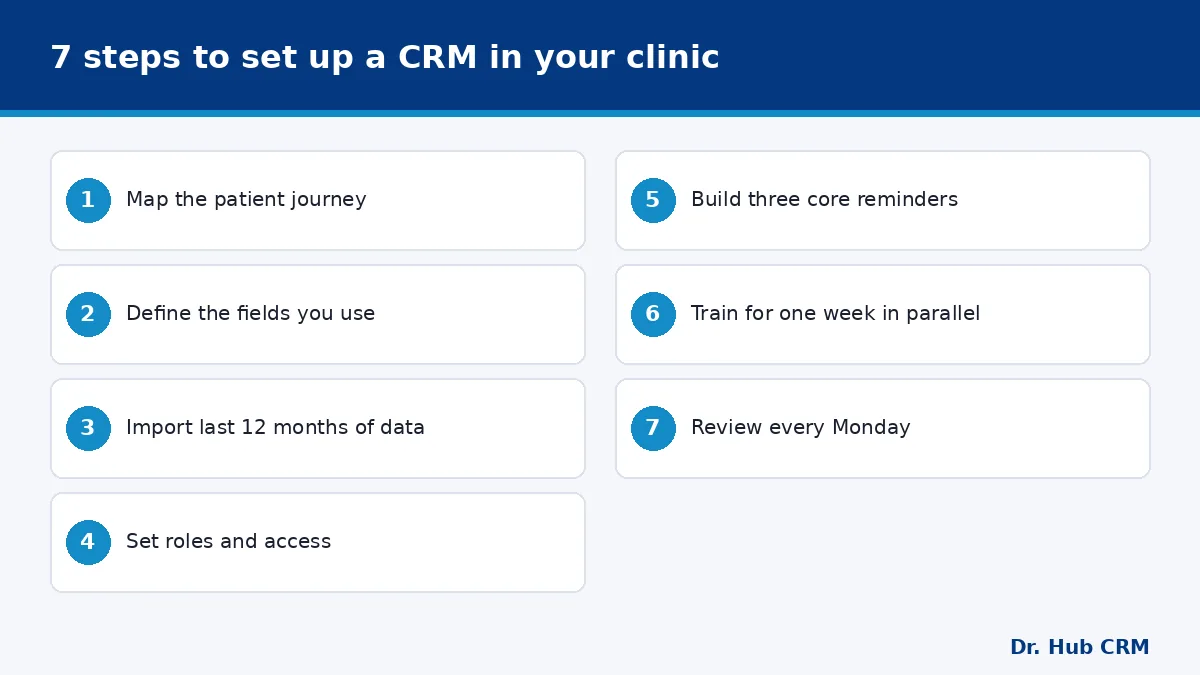
You can set up a CRM for medical practice in two to four weeks if you follow these steps in order. Keep the first version simple and add automations once staff use it daily.
- Map the patient journey. Write down every stage from first call to recall: enquiry, booking, visit, tests, review, recall.
- Define fields. Keep only what you use: name, phone, source, doctor, visit type, next follow-up date, consent status.
- Import existing data. Move the last 12 months of patients from Excel or the old register, and remove duplicates first.
- Set roles. Give receptionists booking and billing access, doctors clinical notes, and the accountant billing reports only.
- Build reminders. Start with three: appointment reminder, review visit reminder and chronic-care recall.
- Train for one week. Run the CRM beside the old method, then switch fully once staff log every call.
- Review every Monday. Check missed follow-ups, no-shows and enquiry sources, and fix one gap each week.
Patient data, consent and the DPDP Rules, 2025
A clinic that stores patient data must follow India’s data protection law. The Government of India notified the Digital Personal Data Protection Rules on 14 November 2025, with an 18-month period for phased compliance, according to the PIB explainer on the DPDP Rules, 2025.
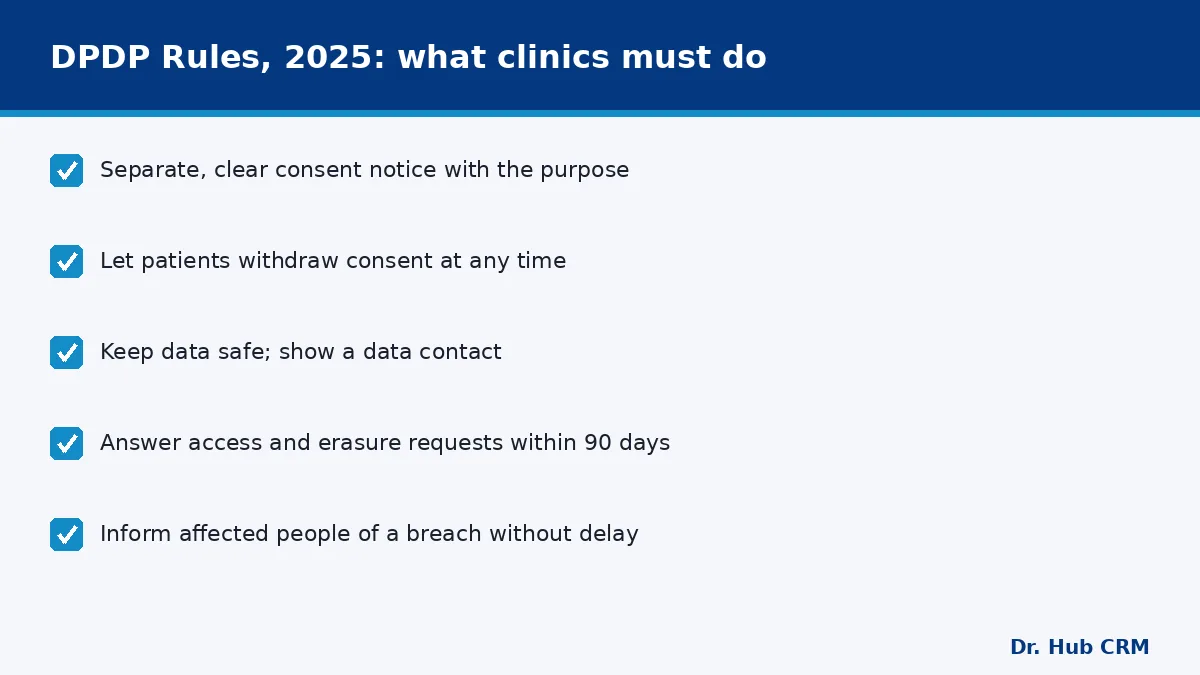
- Give a separate, clear consent notice that states why you collect the data.
- Let patients withdraw consent at any time, and stop messages when they do.
- Keep data safe and show a contact for data queries at the clinic.
- Answer access, correction and erasure requests within 90 days at most.
- If a breach happens, inform affected people without delay in plain language.
A CRM helps here because it can store the consent date and source on each record and limit who sees what. Clinics joining the Ayushman Bharat Digital Mission should also ask vendors about their plans for ABDM integration, since the mission’s Health Facility Registry covers clinics, labs and pharmacies.
Worked example: a two-doctor dermatology clinic in Ahmedabad
This is an illustrative case. A dermatology clinic in Ahmedabad gets about 25 enquiries a day from calls, Instagram and Google Maps. Two doctors see patients, and one receptionist handles bookings and bills.
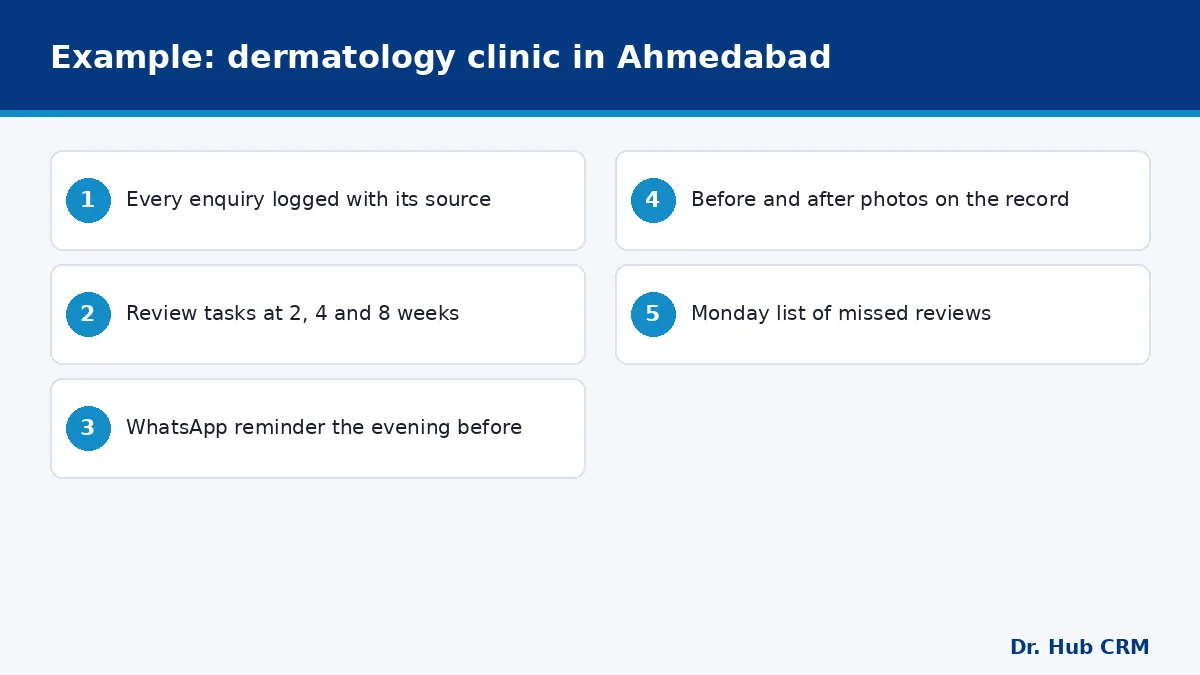
- Every enquiry becomes a CRM record with its source, so the owner sees which channel brings booked patients.
- Each acne or hair-loss treatment plan creates review tasks at two, four and eight weeks.
- Patients get a WhatsApp reminder the evening before each visit, with an option to reschedule.
- Before and after photos are stored on the patient record with the treatment date.
- The Monday report lists missed reviews, so the receptionist calls those patients first.
Nothing here needs extra staff. The CRM simply makes the follow-up list visible every morning.
How to choose a CRM for medical practice: generic vs healthcare-specific
Choose a healthcare-specific CRM if you want appointments, OPD notes and billing in one place; choose a generic CRM only if you already have clinical software and need marketing and enquiry tracking on top.
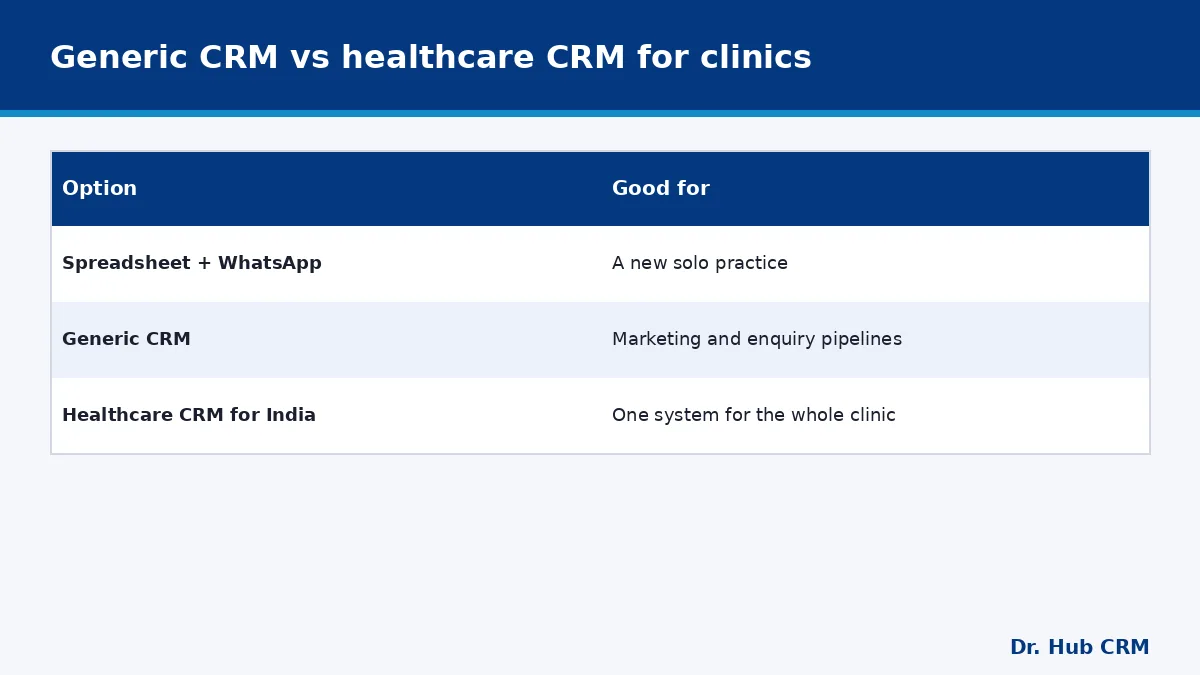
| Option | Good for | Watch out for |
|---|---|---|
| Spreadsheet and WhatsApp | A new solo practice | No reminders, no access control, data on personal phones |
| Generic CRM (Zoho, Salesforce, Pipedrive) | Marketing and enquiry pipelines | Needs set-up for clinic workflows; clinical records usually stay in another system |
| Healthcare CRM built for India | Clinics that want one system | Check module limits, user count and add-on costs |
For a wider list of tools, see our comparison of online healthcare CRM software, and if you are unsure whether you need a hospital or clinic set-up, read CRM in hospitals vs clinics.
How Dr. Hub CRM supports medical practices
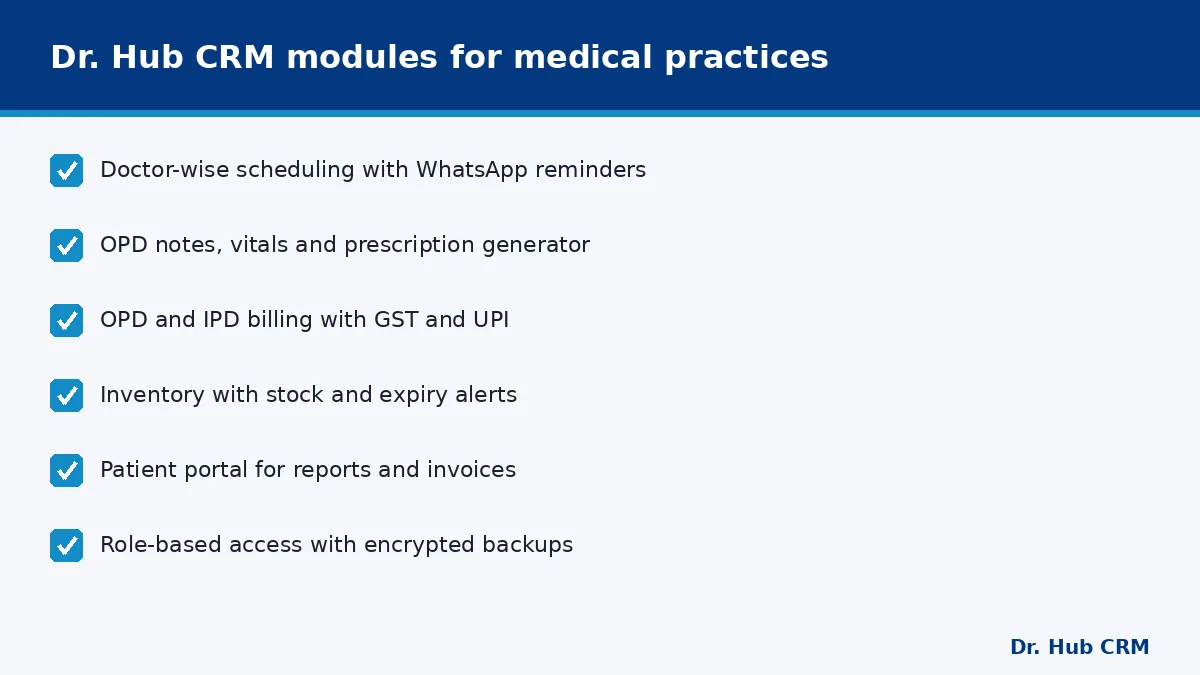
Dr. Hub CRM (healthcare CRM for clinics) by SmartX CRM is built for solo practitioners, multispecialty clinics and hospitals in India. According to its product page, it covers:
- Doctor-wise and department scheduling with automated WhatsApp reminders and quick walk-in registration.
- OPD records: visit log, case history, vitals, consultation notes and a prescription generator.
- Integrated OPD and IPD billing with GST, treatment packages and cash, card and UPI payment tracking.
- Inventory with stock and expiry alerts, plus pharmacy billing.
- A patient portal for prescriptions, reports and invoices, and WhatsApp notifications for reminders and dues.
- Role-based access for doctor, receptionist and accountant, with encrypted cloud storage and backups.
Dr. Hub CRM offers a 30-day free trial. Clinics that want deeper patient engagement can also read our guide to patient relationship management software, and rehab and physiotherapy centres can see CRM for rehabilitation centers.
FAQ: CRM for medical practice
What is a CRM for medical practice?
A CRM for medical practice is software that stores every patient enquiry and visit in one record and automates reminders, follow-ups and recalls. It manages the relationship around care, while the EMR holds the clinical notes.
Is a CRM the same as an EMR or practice management software?
No. An EMR records diagnoses, prescriptions and clinical history. Practice management software handles appointments and billing. A CRM tracks enquiries, communication and follow-ups. Some Indian products, such as Dr. Hub CRM, combine CRM features with OPD records and billing.
How much does a CRM for medical practice cost in India?
Prices vary by vendor, users and modules, and many healthcare vendors quote on request. Compare the yearly cost for your number of doctors and front-desk staff, and ask what WhatsApp messaging, extra users and data migration cost on top.
Can a clinic CRM send WhatsApp appointment reminders?
Yes, most clinic CRMs built for India send appointment reminders and follow-up messages on WhatsApp. Collect the patient’s consent for these messages at registration and keep a record of it.
Does a CRM for medical practice need to follow the DPDP Rules?
Yes. A clinic that collects patient data acts as a Data Fiduciary under India’s data protection law. The DPDP Rules, 2025, notified on 14 November 2025, require a clear consent notice, safe storage and breach alerts to affected people without delay.
How long does it take to set up a CRM in a small clinic?
A one or two doctor clinic can usually go live in two to four weeks: one week to map the patient journey and import data, one week to set up reminders and roles, and one to two weeks of use with daily checks.
Want to see how this works with your own clinic’s data? Book a free Dr. Hub CRM demo and bring your current patient register.

Leave a comment: